
#musickit
6 entries · All tags
-
Good to see a bunch of native music apps coming out for the Mac. Gives me some hope that Apple will dedicate sufficient resources to improve #MusicKit and address its various rough edges. 🤞
-
Disappointing that #MusicKit doesn't yet allow adding something to your library on a Mac – just on iOS. Would make a nice addition to Longplay's automation and MCP server.
https://developer.apple.com/documentation/musickit/musiclibrary/add(_:)
-
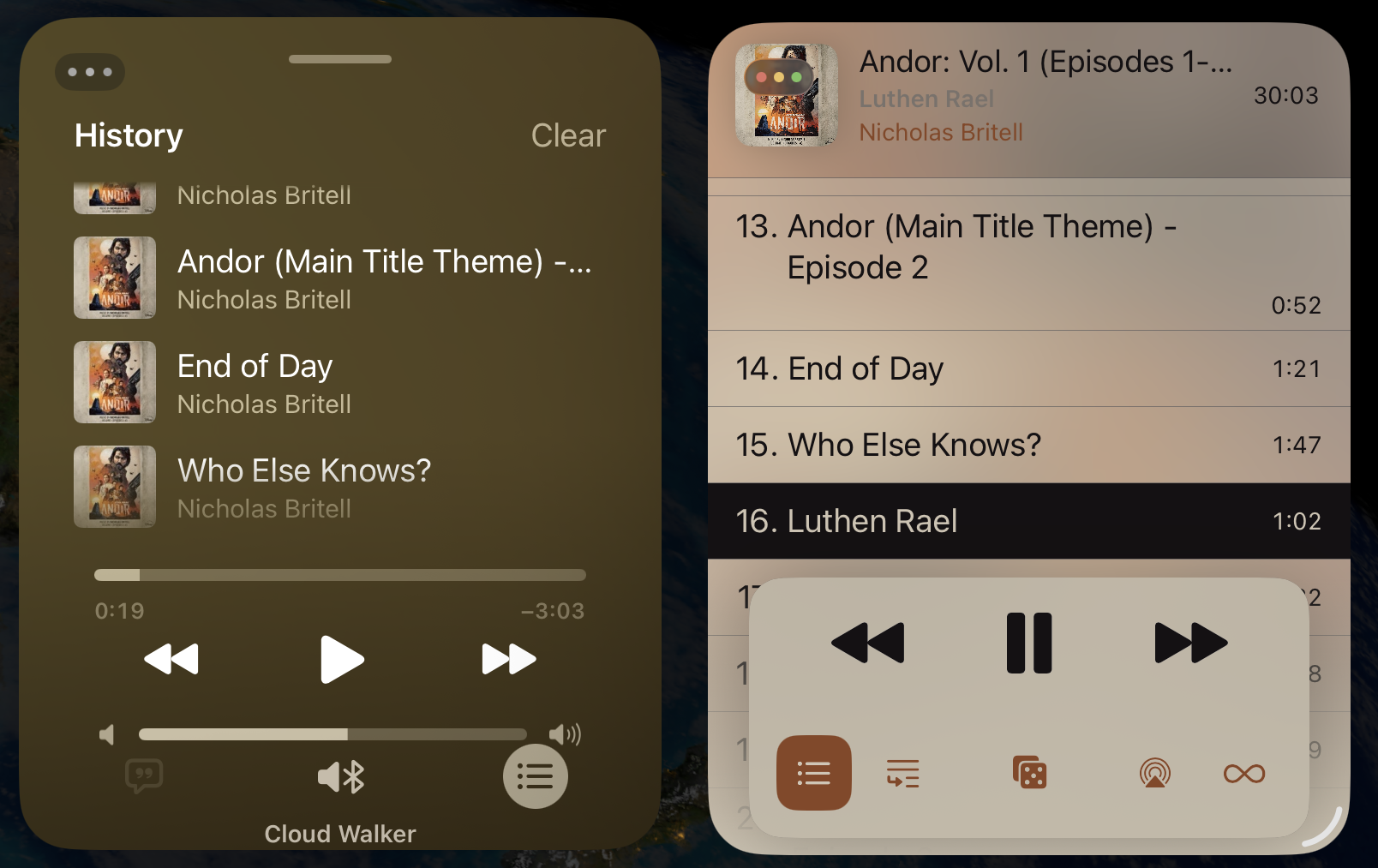
Nice to see that #MusicKit on iOS 26 is getting some good improvements such as this: Played tracks in a third party app using the that application’s player now show up immediately as recently played in the Music app.
-
AirPlay settings are still ignored by #MusicKit in macOS Tahoe beta 5.
The separate built-in process for third party apps that handles Apple Music playback doesn’t pick up changes to the AirPlay route of the host app. So the UI will indicate that the AirPlay route was changed but music playback ignores it.
I first reported this in macOS 14 days (FB13313634). Getting worried it’ll ship like this in Tahoe, too.
Urgh. Things seem to be getting worse with #MusicKit in Tahoe not better.
Just filed FB19491503: “Critical regression: MusicKit plays tracks alphabetically rather than in requested order”.
New playback mode coming in Tahoe.
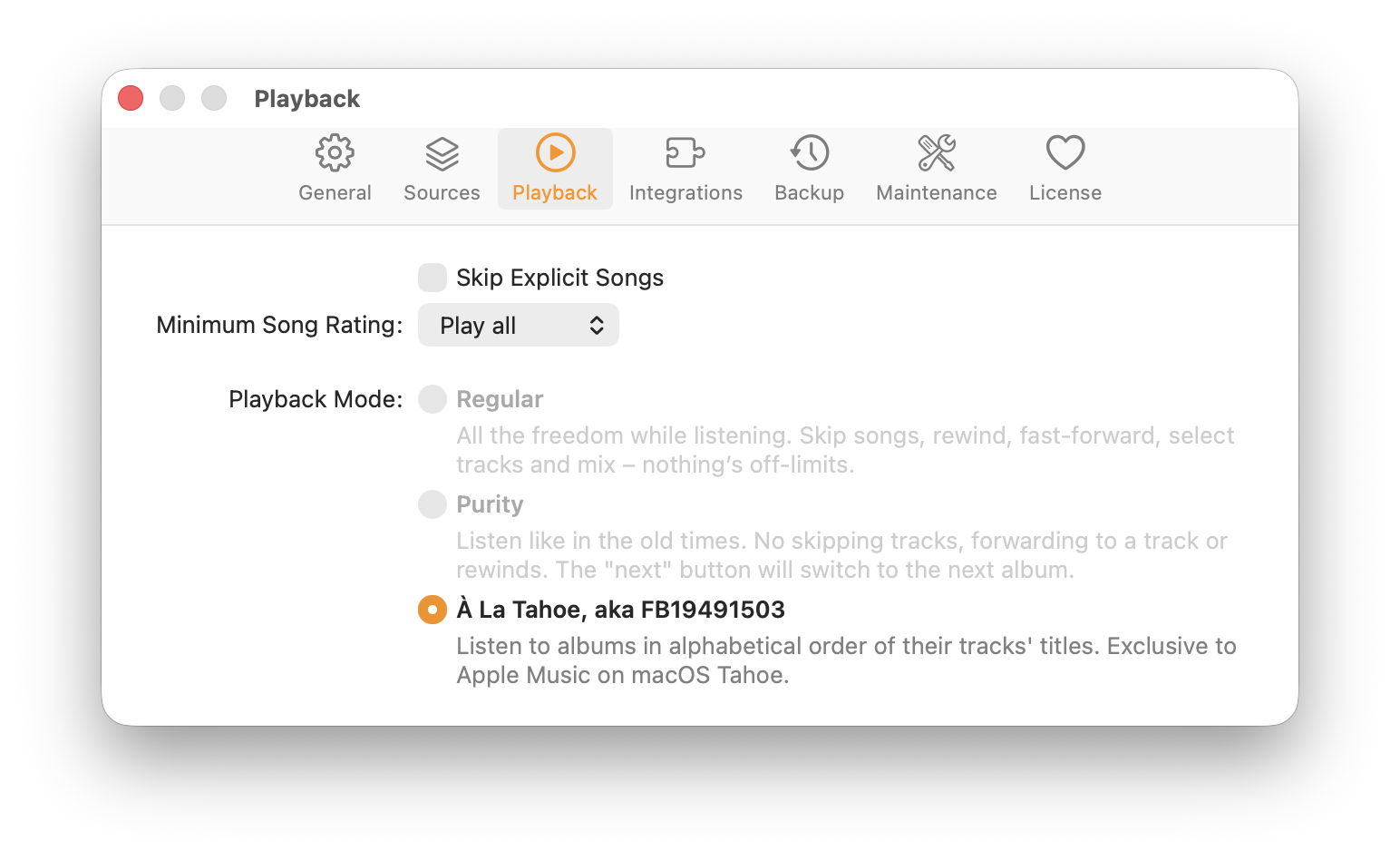
Little birdies tell me that a fix is in the works. Hooray!
Hooray. Looks like this one is fixed in #MusicKit on macOS 26.1. My other MusicKit-related radars, in particular about AirPlay or volume control, are still open though.
-
Making my way through the various open #MusicKit radars that I filed over the years. So far all the same in macOS Tahoe. AVRoutePicker selection in particular is still getting ignored.
Had an insightful #MusicKit lab which made me optimistic that there are improvements coming. Fingers crossed, and thanks to the Apple Engineers involved. I'll do my part and file and update related radars.
-
Installed macOS Sonoma beta this weekend to try out the changes to #MusicKit. Can confirm that this lets me add #AppleMusic support to @longplay for the Mac. The previous way only worked through Catalyst and caused the Music app to spawn as soon as you start playing, which was hideous, but this now works independently and support AppKit. Woot woot.
The new players that let you do that are part of MusicKit and not the older MediaPlayer framework. I was hoping, that this means it's not built on MediaPlayer as that occasionally blocks the main thread with XPC calls. Unfortunately, that's not the case and it is MediaPlayer under the hood with the same occasional beach balls. Hope I can capture this in a feedback to report to Apple. Still great to have this!
Got Apple Music playback in Longplay for macOS Sonoma working pretty well now. For some reason, album artwork is no longer coming though on Sonoma though... ahh, you gain some and you lose some.
Called this a bit too early. Apple Music playback in Longplay via #MusicKit for macOS Sonoma has a blocker issue where it starts stuttering consistently a few tracks into an album. Console.app starts spewing errors from coreaudiod, which does not seem to be related to anything my app is doing. Filed as FB13262006. Hoping someone at Apple takes note of this.
Investigating this issue on different hardware. Curiously enough it doesn't happen at all on my Intel-based Mac Mini. Playback there is flawless.
Might be an issue with Apple Silicon Macs. There is a big thread about people experiencing the same issue in other audio software with the exact same log message I am getting: https://discussions.apple.com/thread/254469643
The plot thickens.@sirshannon pointed out similar issues and it seems to be caused by the iOS simulator; requiring a reboot to fix. I rebooted my Mac and have been listening to 15+ mins without the issue re-appearing. Usually by this time the issue would appear.
That would make my Mac app rather useless for iOS developers. Leaves it useful for many, many people, but that would mean I can't use it much myself as the main activity for which I use my Mac is iOS development. How cruel is that! :’(
Current status of Longplay for Mac: Just six open issues to tackle, but three of those are tagged with “blocked-by-apple”. One of them, the playback glitches from this thread (FB13262006), is a show stopper. I really hope a future update to Sonoma fixes it as I don't want to launch without Apple Music support.
Having said that, if you own the music in your Music library, then there's no need to wait. Longplay is already pretty sweet and works well for non-DRM-protected albums.
It's available in Early Access at https://adrianschoenig.gumroad.com/l/longplay
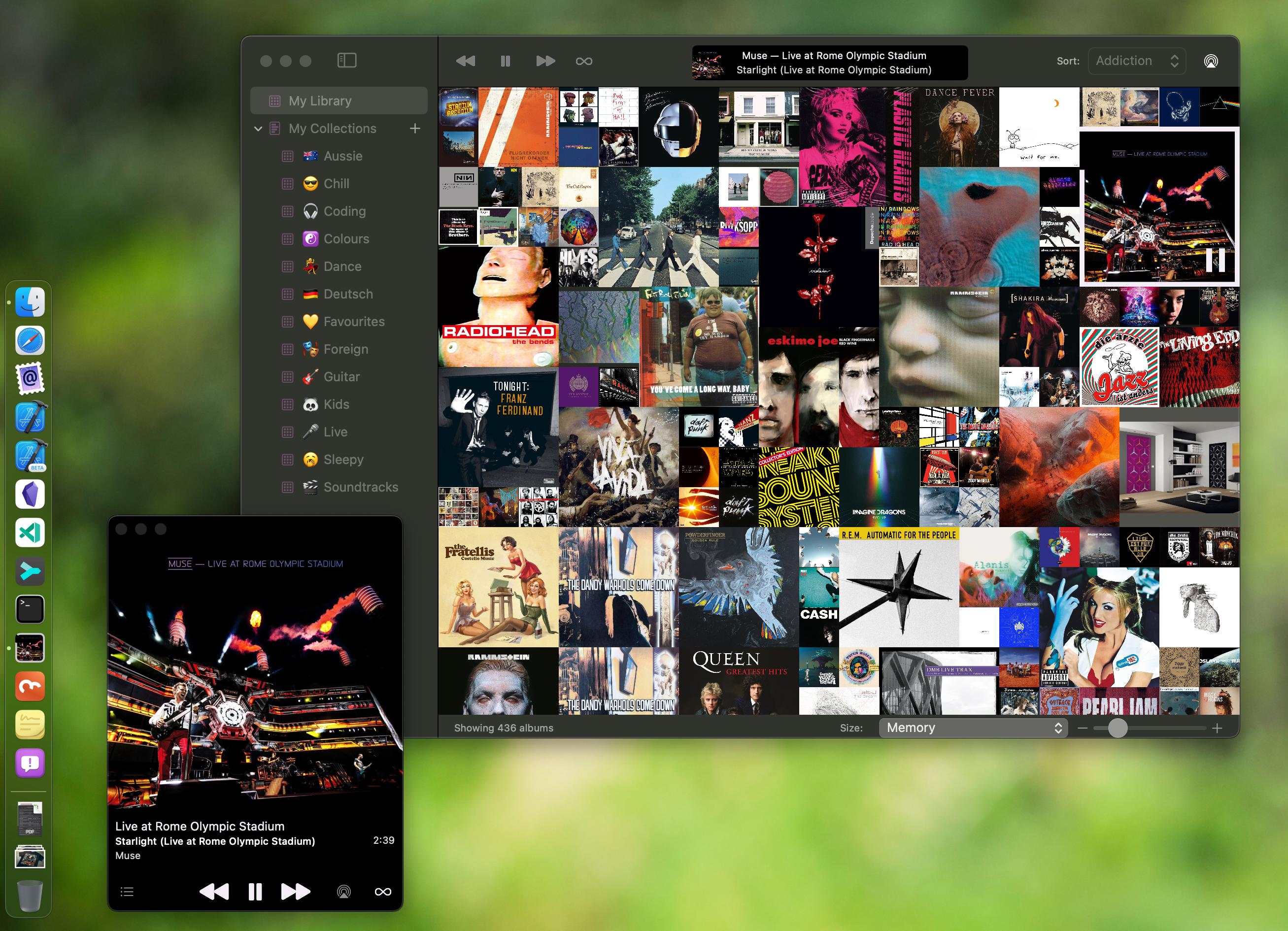
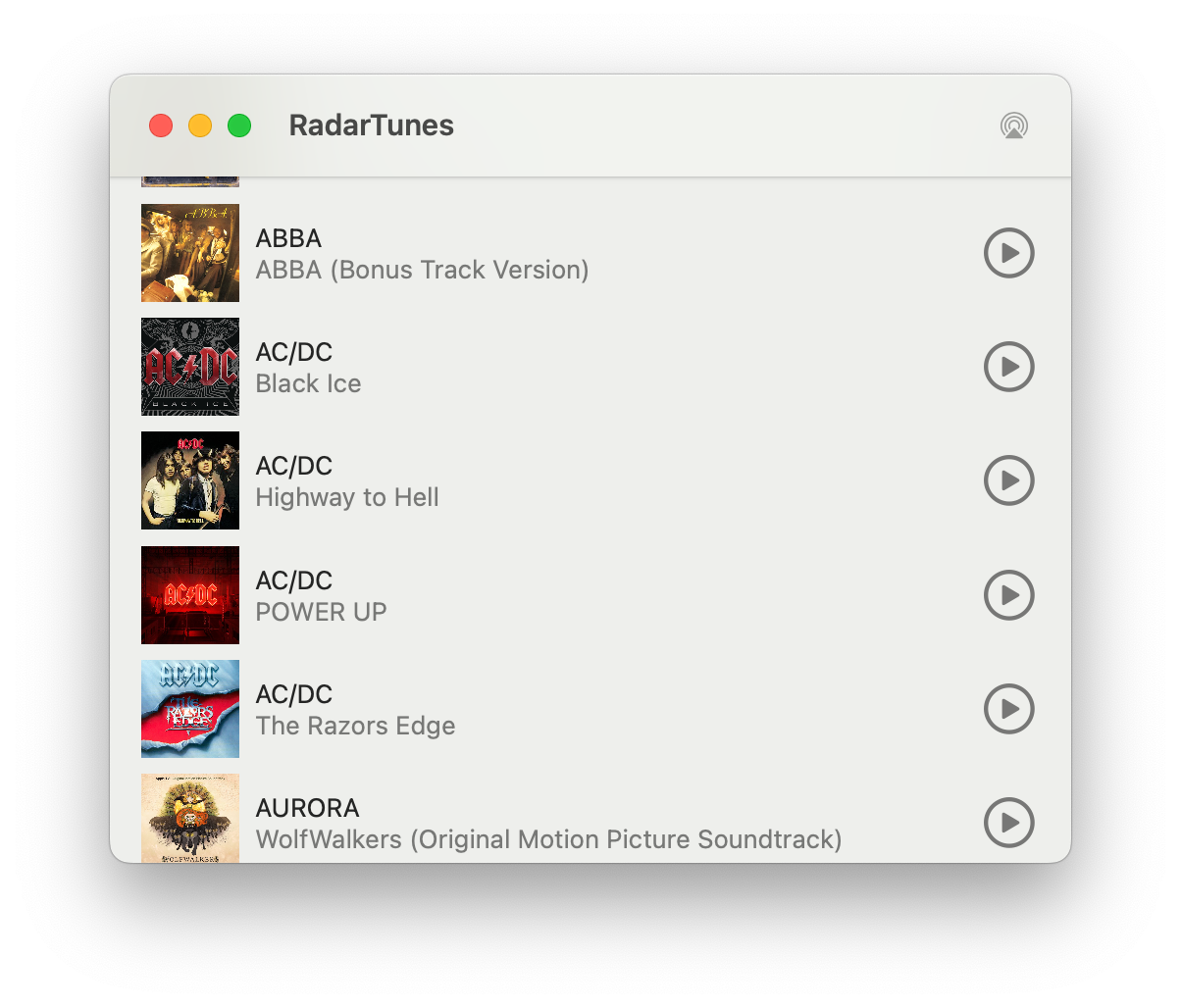
As Longplay for Mac is progressing, so is its little brother, RadarTunes: a Mac app for Apple engineers on the #MusicKit team to reproduce the various issues that I bump into along the way.
macOS Sonoma 14.3 is out, but sadly the #MusicKit bugs that block the release of Longplay for Mac are still there.
- FB13262006: Playing Apple Music through ApplicationMusicPlayer starts stuttering after a few songs
- FB13418245: Apple Music playback using ApplicationMusicPlayer prematurely stops tracksUh, good news on the Longplay for Mac front. Interesting discovery regarding my #MusicKit issues: They are triggered by the WiFi setup. On a recent road trip everything was working without stuttering or skipping tracks. I took our 5G router along, which I also use for my internet at home, though there it’s behind a Netgear Orbi. And, indeed, playback is fine back home if I use the router directly. Now to figure out what exactly might be the cause for and then to confirm with my existing testers.
This is killing me. Identified the issue of tracks getting skipped (due to Low data mode; easy to work around), but the stuttering prevails sometimes occasionally randomly. Some days it starts after a few minutes, then today I've been listening to it for hours with no issues whatsoever. What's happening.
(╯°□°)╯︵ ┻━┻
A nice upside of my on-going issues with MusicKit on the Mac is that it makes me purchase more albums as playback of non-DRM'ed files is flawless.
Apple Music playback glitches (FB13262006) are still there in macOS 14.4.
Wait... is this possibly, maybe, actually, finally fixed in macOS 14.5? Or is my Mac playing tricks on me?
Nope, not fixed in macOS 14.5. This bug in #MusicKit still prevails and it remains a blocker for the release of Longplay for Mac. Fingers crossed for macOS 15…
Digging a bit deeper into the specific errors message from
HALS_OverloadMessage.cppthat pop up in Console.app, and similar issues with audio glitches have been reported with various Apple Silicon Macs since 2020 when using various audio apps, including Apple Music, Spotify, Logic, etc.Curiously, I *never* get this in Longplay for Mac with my low-level audio player of non-DRM'ed files though, only when using MusicKit. Hmm.
[1] https://community.spotify.com/t5/Desktop-Mac/Crackling-Clipping-Noise-on-Macbook/td-p/5016088/page/4
[2] https://forums.developer.apple.com/forums/thread/132423?page=14
[3] https://discussions.apple.com/thread/254469643?sortBy=bestLongplay for Mac update: The low-level playback glitches in #MusicKit are still present in macOS 15 beta 1. It got a *lot* better in macOS 14.5 with no (persistent) glitches if the app has at least one window visible, like the mini player. However, it still glitches badly if all windows are closed or are obscured by other apps, the screensaver or the lock screen. I'll leave it in Early Access for now (https://buy.longplay.app/l/longplay).
Longplay for Mac update: While the #MusicKit glitches are still present in the latest macOS 15 version and my feedback to Apple (FB13262006) hasn't received movement since June, I *might* have accidentally stumbled on a workaround by making the app, um, less efficient. Will do some more testing and then prepare a new build... 🤞
Hooray! No playback issues anymore in my extensive usage over the last days. That means no more show-stoppers for Longplay for Mac.