#buildinpublic
7 entries · All tags
-
Finally getting around to working on an interactive widget for Longplay for iOS 17 and I'm amazed by how well it works. I can basically build the classic V1.0 of the app in a tiny widget. This is adorable! (Sorry for the lack of sound in the video.)
-
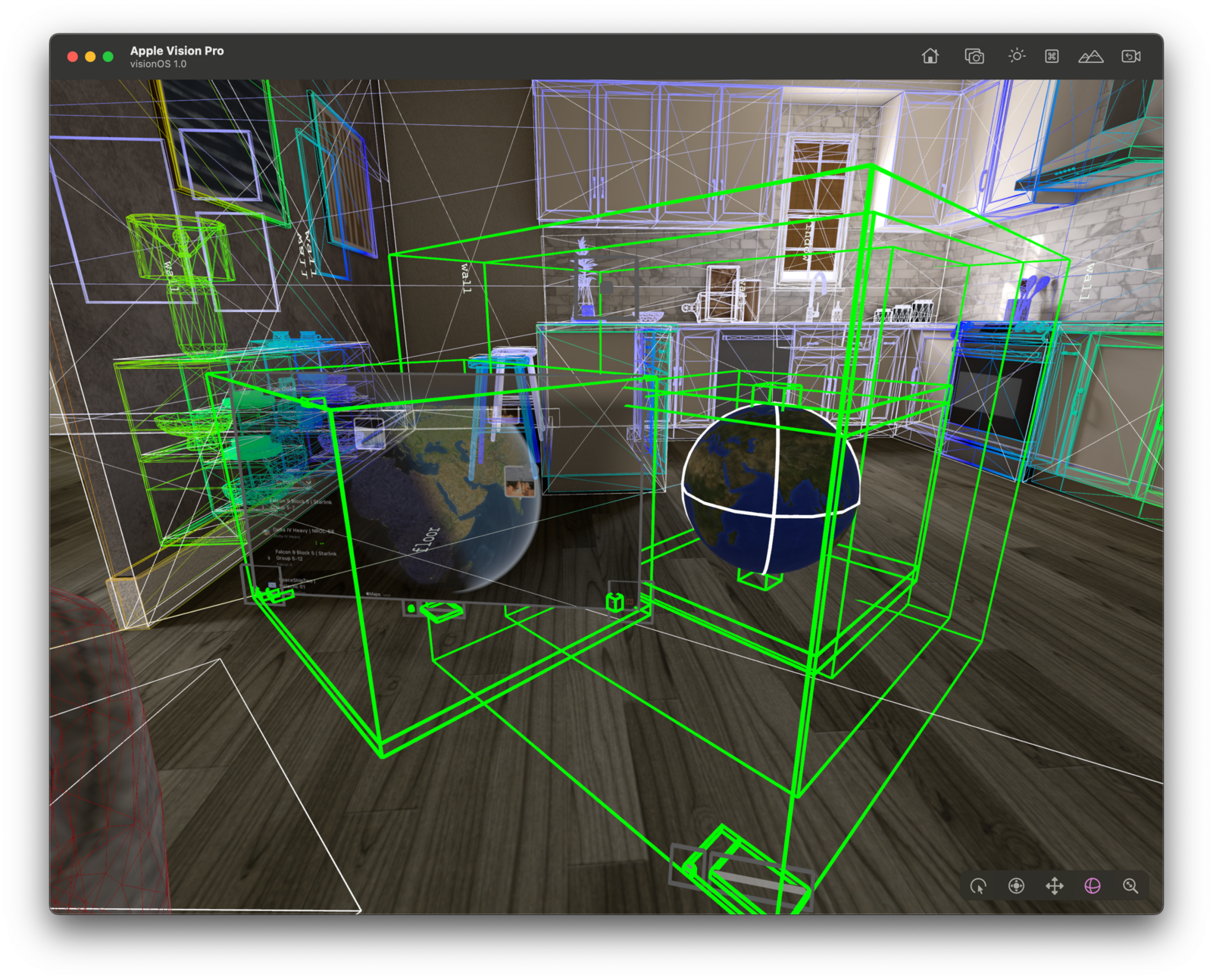
Pretty sweet to get the basics running quickly. Now onto lifting that globe out of the 2D window and into 3D…
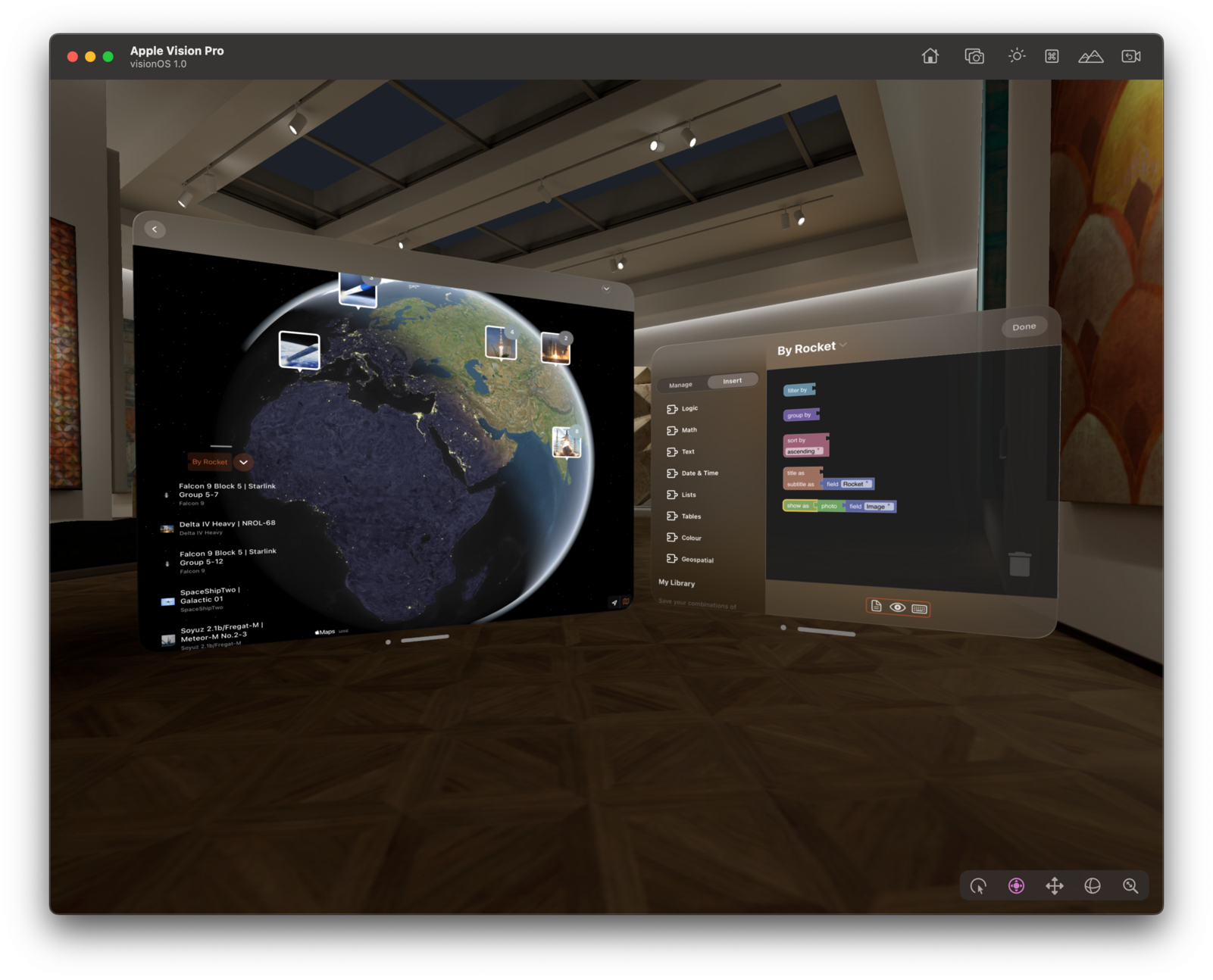
So much progress in so little time: 3D globe with live data – here earthquakes in the last month.
The new RealityView is super cool to bring SwiftUI views into 3D, but it's an area where the documentation really can be improved. It’s hard to figure out what to do if things don't quite work the way you expect them to. Can we have another round of #RealityKit labs, please?
Currently stuck on this: https://developer.apple.com/forums/thread/732365
-
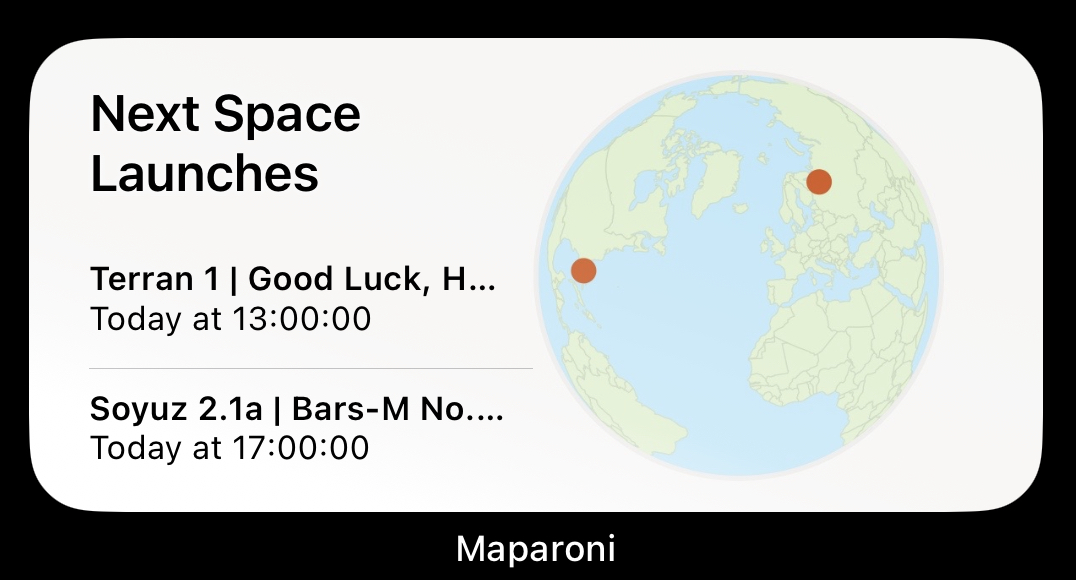
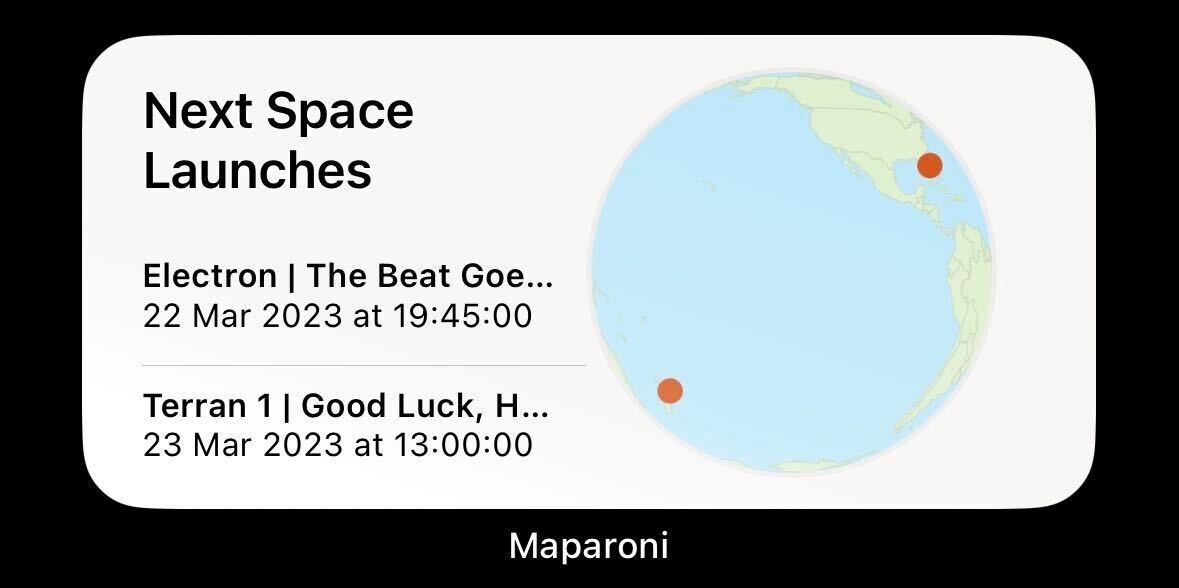
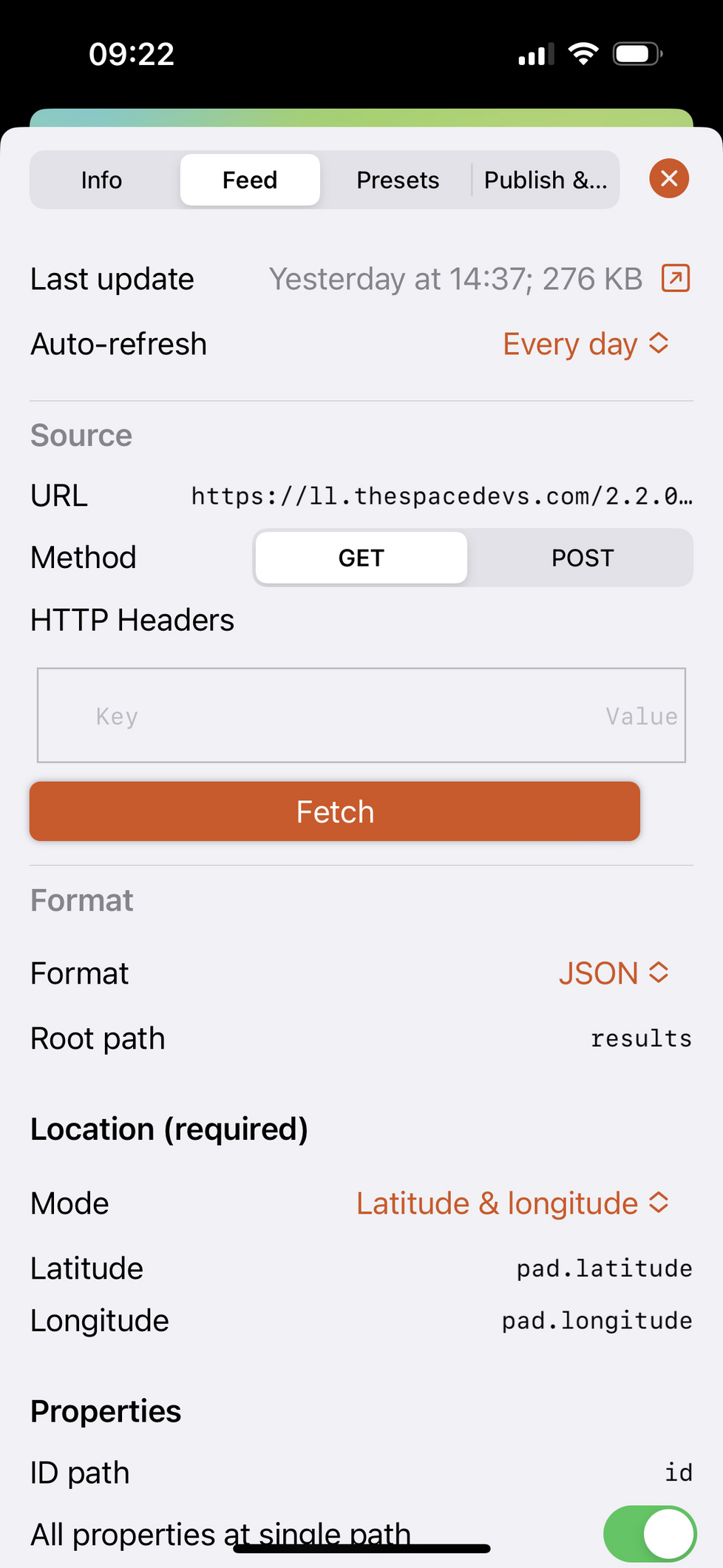
Really cool how widgets demonstrate the flexibility of @maparoni in such a pretty way:
- You can point it at arbitrary APIs by describing how to extract location information from JSON/XML APIs.
- Use formulas to filter/sort/style the locations.
- The widget then draws the map using an appropriate projection.(Years of working on this in my spare time… 🤪)
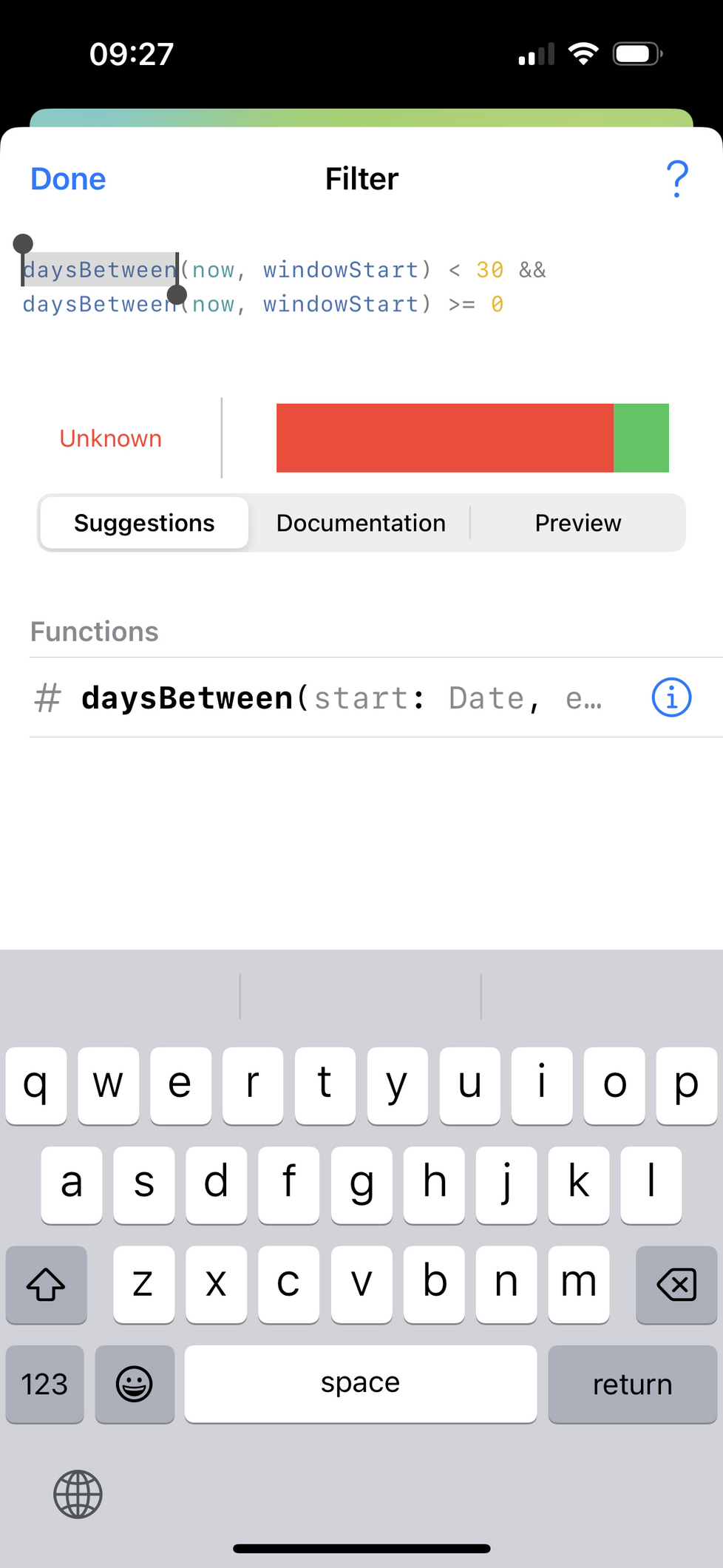
Many, many thanks to @nicklockwood for his brilliant and super fast Expression library: https://github.com/nicklockwood/Expression
Many, many thanks also to @simonbs for his excellent Runestone library: https://github.com/simonbs/Runestone
If anyone's curious about the map projections, I've open sourced the component for drawing them in #Swift: https://github.com/maparoni/GeoProjector
-
My goodness, the new performance monitoring in @getsentry looks sweet. Let's see if this helps me track down some performance issues reported by beta testers of Longplay.
-
Decided to not bother with upgrade pricing or freemium for the big Longplay 2.0 update. Instead I'll keep it pay-upfront and bump the price. Business-wise it's a lousy decision but it's a passion project, and with our new baby arriving very shortly, I rather spend the energy elsewhere. Looking forward to getting this out into the wild!
-
Still not sure how to position, price or even name the macOS version of Longplay. It can only play non-DRM protected albums, so it's only a subset of what the iOS app can play, and it doesn't have a way so far to manage your music so you're reliant on the Music.app.
Might call it "Longplay Collector's Edition" and just sell it directly through Gumroad or so. Might upgrade it later to a "proper" Longplay for macOS when either Apple adds APIs for third-party apps to play Apple Music content (let me dream!), or when I let you drop your manually curated albums from a folder on your disk and let you manage those through the app.
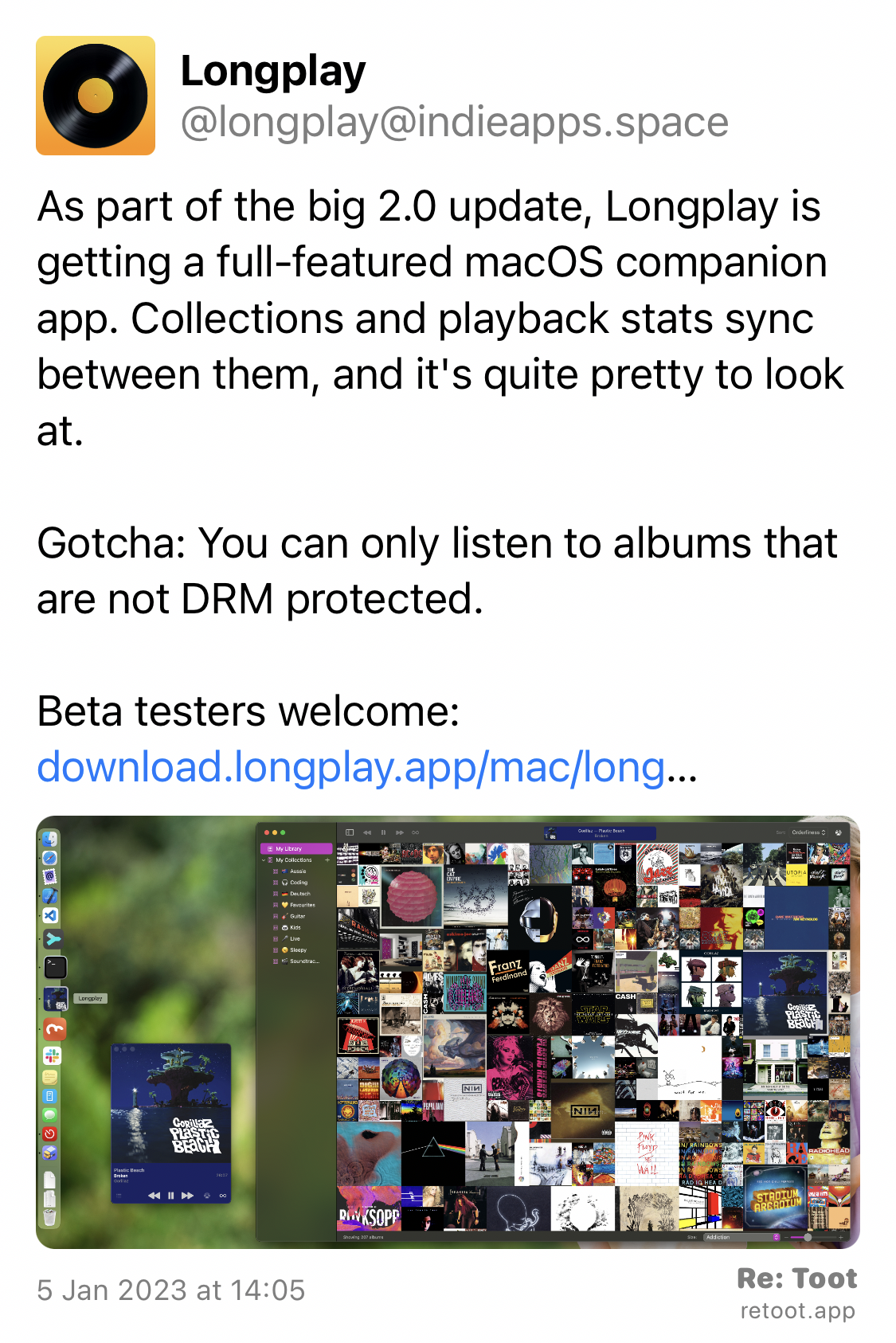
The iOS version has a sizeable audience, but I feel like it'll be tiny for macOS given these constraints... so probably not worth it to fret too much over this.
Looking forward to getting it out. It's been a great learning experience. It's my first Mac app based on #AppKit and #SwiftUI and I'm proud of the result. (And my low-level audio player in there turned out more robust than the built-in one that handles DRM'ed content on iOS...).
-
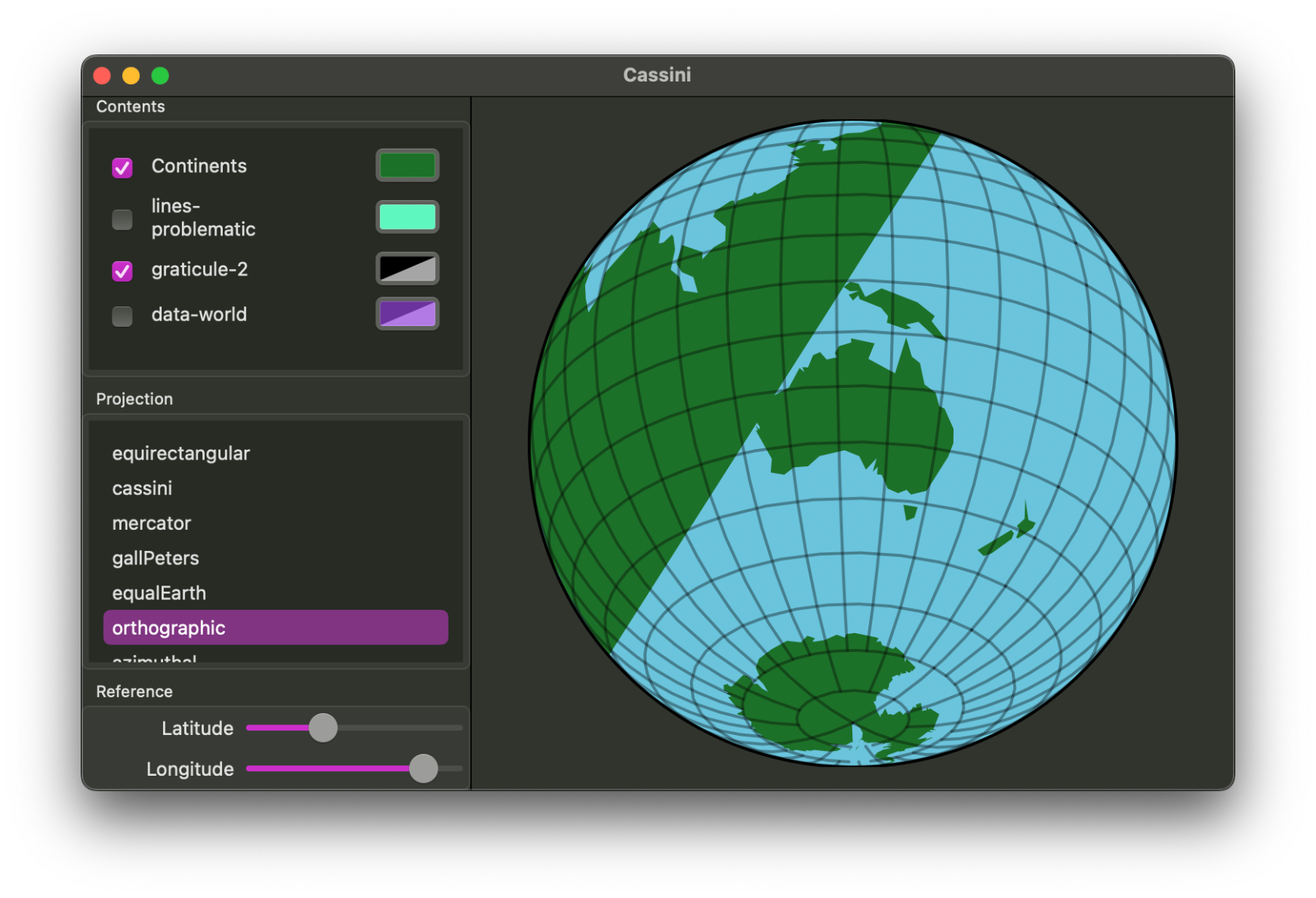
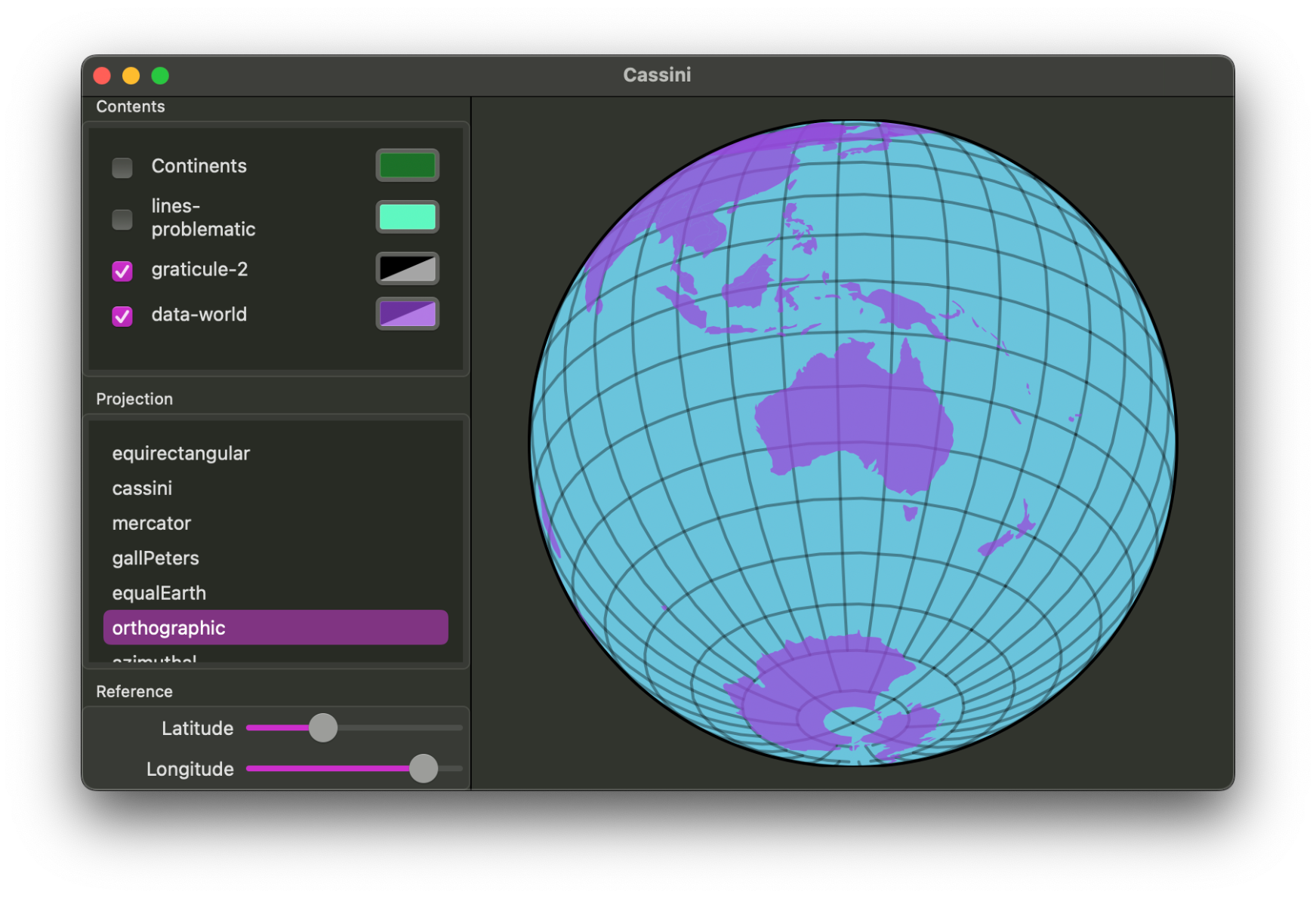
I've been playing around with map projections lately. Fascinating and mind-bending stuff, though the maths, trigonometry, and edge cases can be a challenge, and trying to fix the various glitches makes me my head hurt...
It's a rewarding exploration and I'm learning a ton. And may I say, #SwiftUI on the Mac is great for writing a helper app to test and debug this.
Library for it is up on GitHub already: https://github.com/maparoni/GeoProjector. If I manage to fix the bugs, I'll add this to @maparoni. #mapstodon
It has some bad polygon drawing glitches that make me doubt myself. Then I check a similar GitHub repo to see how they approached that particular problem, see that it has a TODO marker for it, and feel a bit better… still want those glitches squashed though!
Just realised that I can work around the worst glitches by using smaller polygons. In particular, rather than drawing entire land masses, I can draw countries, which then avoids most of the problems. Hooray. Can, meet road. *kick*