#iosdev
21 entries · All tags
-
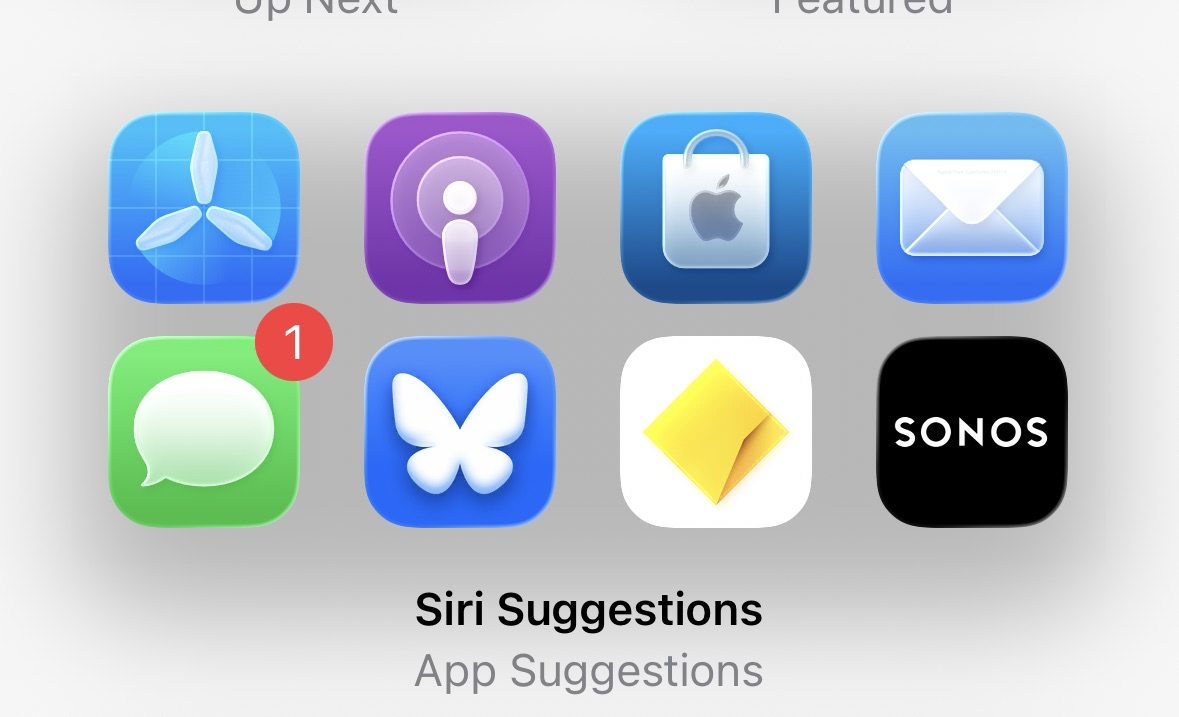
The built-in App Suggestions widget on iOS 26 has no background or border. Is there a way for third-party apps to do the same? #iosdev
-
#Xcode is quite frustrating lately.
- On-device debugging stops working after the first run, requiring device reboots.
- Xcode Cloud tests started failing even though running locally is fine.
- SPM requires endless cache resets whenever I switch branches (extra painful in one project that depends on the bloated AWS SDK).
- Xcode keeps forgetting list of recent files.
- Xcode's new AI prediction suggests lots of rubbish.Shouldn't Apple be dog-fooding this?
One SPM issue got resolved after I came across this snippet on Stack Overflow:
defaults write com.apple.dt.Xcode IDEPackageSupportUseBuiltinSCM YESNo more of these so far: "The repository could not be found. Make sure a valid repository exists at the specified location and try again."
The issue that #Xcode doesn't want to install on device is a little better in 16.1, but still happens. Found a way to address it without restart though:
1. Cancel the "download" of the app on device.
2. KillCoreDeviceServiceon the Mac.
3. Delete the app from the device.That sequence has worked every time so far. Usually 1 or 1+2 is enough.
-
Hadn't used it in a long while and recently rediscovered RocketSim. Fantastic tool. Particularly big time saver for me when it comes to working with device permissions, location simulation and user defaults.
-
Is there no way in UIKit to do a custom animation from the preview of a context menu to a new view controller triggered from one of the menu actions?
I am stuck at getting the frame of the preview's view. The previewViewController property of the UIContextMenuInteractionAnimating is always nil. I can hang onto it manually, but it's not in the view hierarchy nor does it have a window, so I can't get the frame that way either.
-
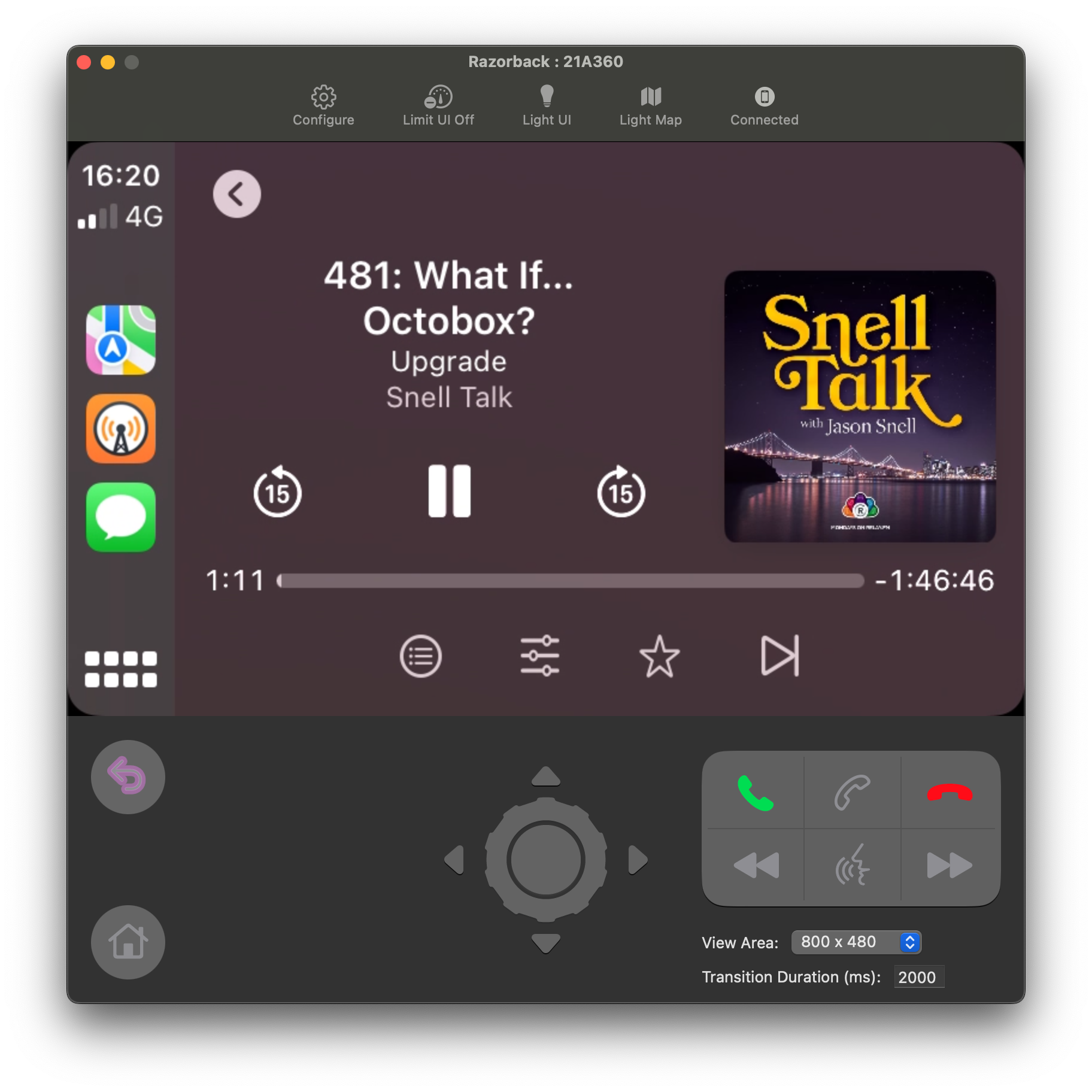
Listening to a podcast on my Mac through Overcast running in the CarPlay Simulator. As you do.
-
Hmm, where do you even start with debugging the Monochrome style of iPhone widgets running on macOS Sonoma. Is that behaviour documented anywhere?
That's better. I've fixed it by checking
@Environment(\.widgetRenderingMode)and only setting colours including white/black in.fullColormode. In other modes, like what Sonoma is using here, I'm sticking with the built-in primary and secondary styles.Thanks to @adam to pointing me the right way.
-
Finally getting around to working on an interactive widget for Longplay for iOS 17 and I'm amazed by how well it works. I can basically build the classic V1.0 of the app in a tiny widget. This is adorable! (Sorry for the lack of sound in the video.)
-
It's a few year's old by now, but @aleen’s App Launch Map is still a fantastic resource and reference guide for when it's time to launch an app or update: https://applaunchmap.com/
-
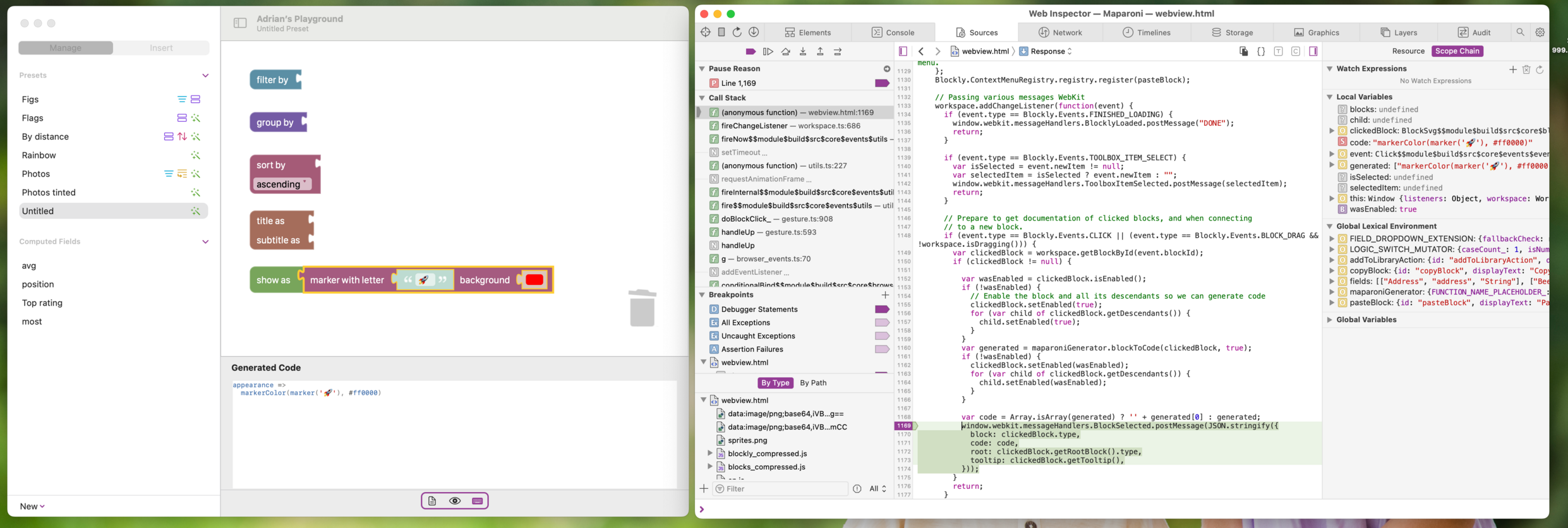
It absolutely blows my mind that I can use Safari to live debug the JavaScript code running inside a WKWebView in my app – including breakpoints and whatnot. 🤯
So so soooo many kudos to the folks who worked on this!
-
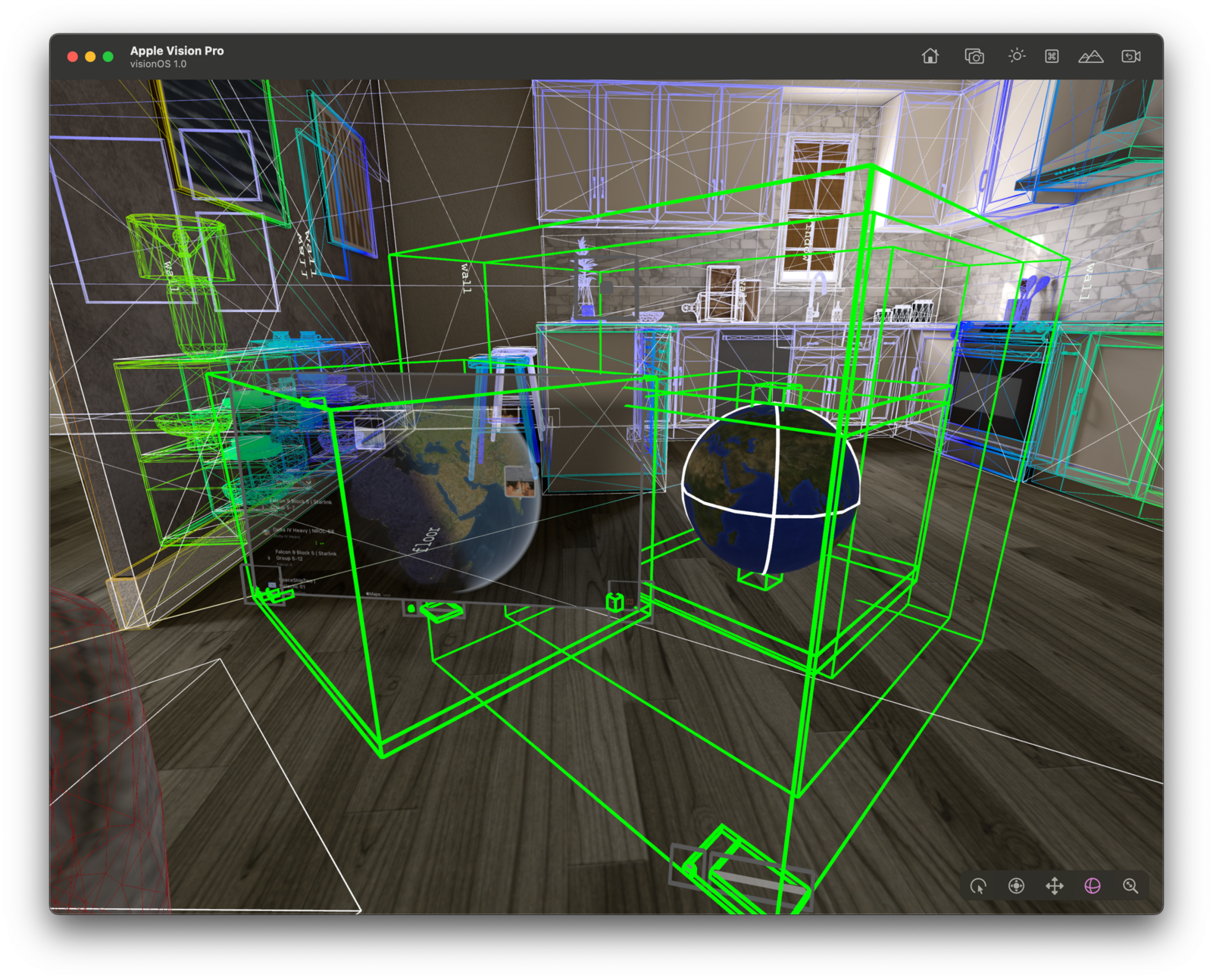
Pretty sweet to get the basics running quickly. Now onto lifting that globe out of the 2D window and into 3D…
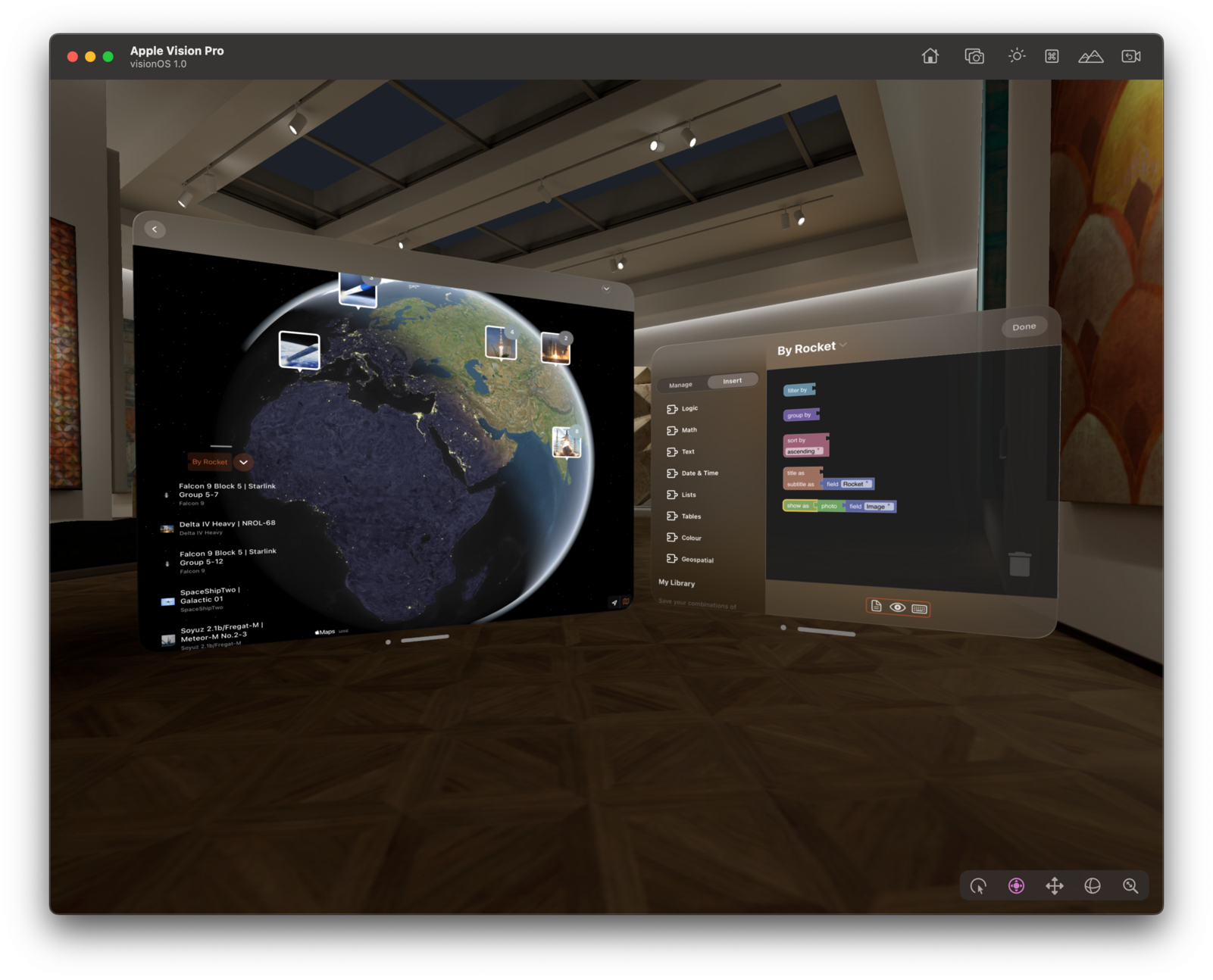
So much progress in so little time: 3D globe with live data – here earthquakes in the last month.
The new RealityView is super cool to bring SwiftUI views into 3D, but it's an area where the documentation really can be improved. It’s hard to figure out what to do if things don't quite work the way you expect them to. Can we have another round of #RealityKit labs, please?
Currently stuck on this: https://developer.apple.com/forums/thread/732365
-
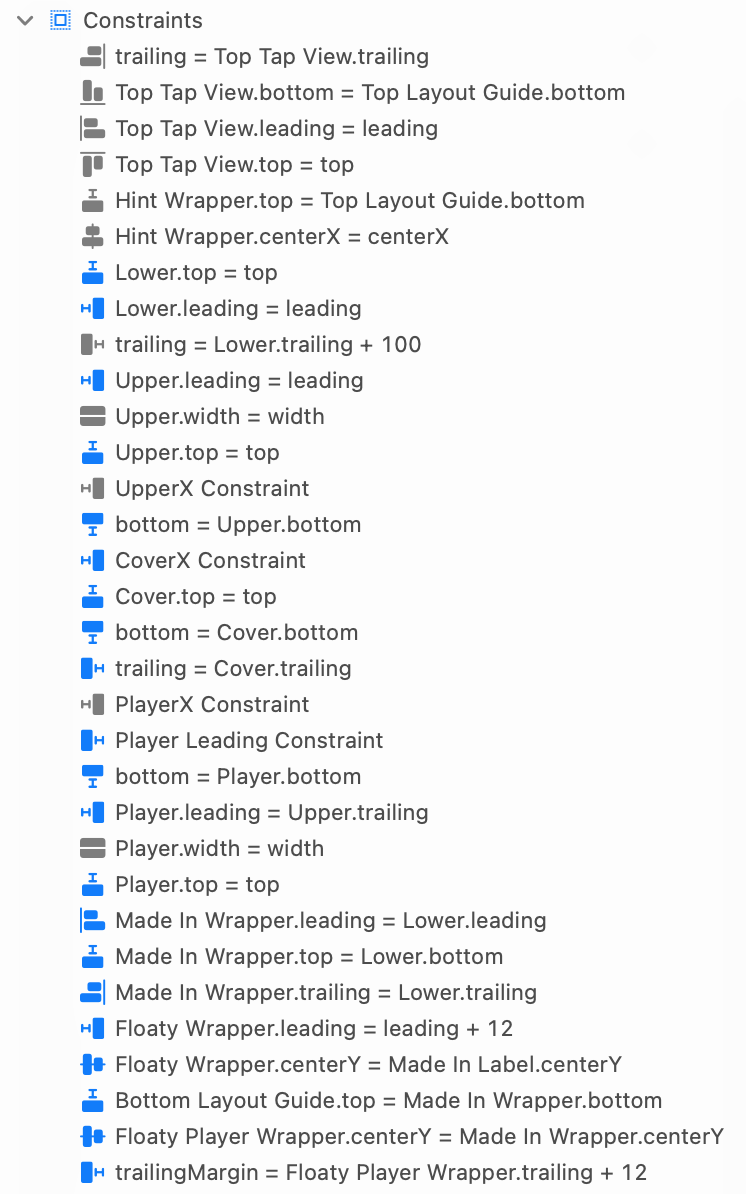
Add some stage I'd like to migrate Longplay from a storyboard to SwiftUI, but, boy, I also do not want to.
-
Bored with the long assertion failure messages that XCTest produces? I used to copy them into Kaleidoscope to diff them, but I'm now using Raycast AI for it and I love it:
- I've added an ^K hot key for its "Search AI command" action
- I can then select a failure in Xcode, hit that hot key
- Type a prompt to have it explain the failure (or pick from my recent prompts)
- Tada!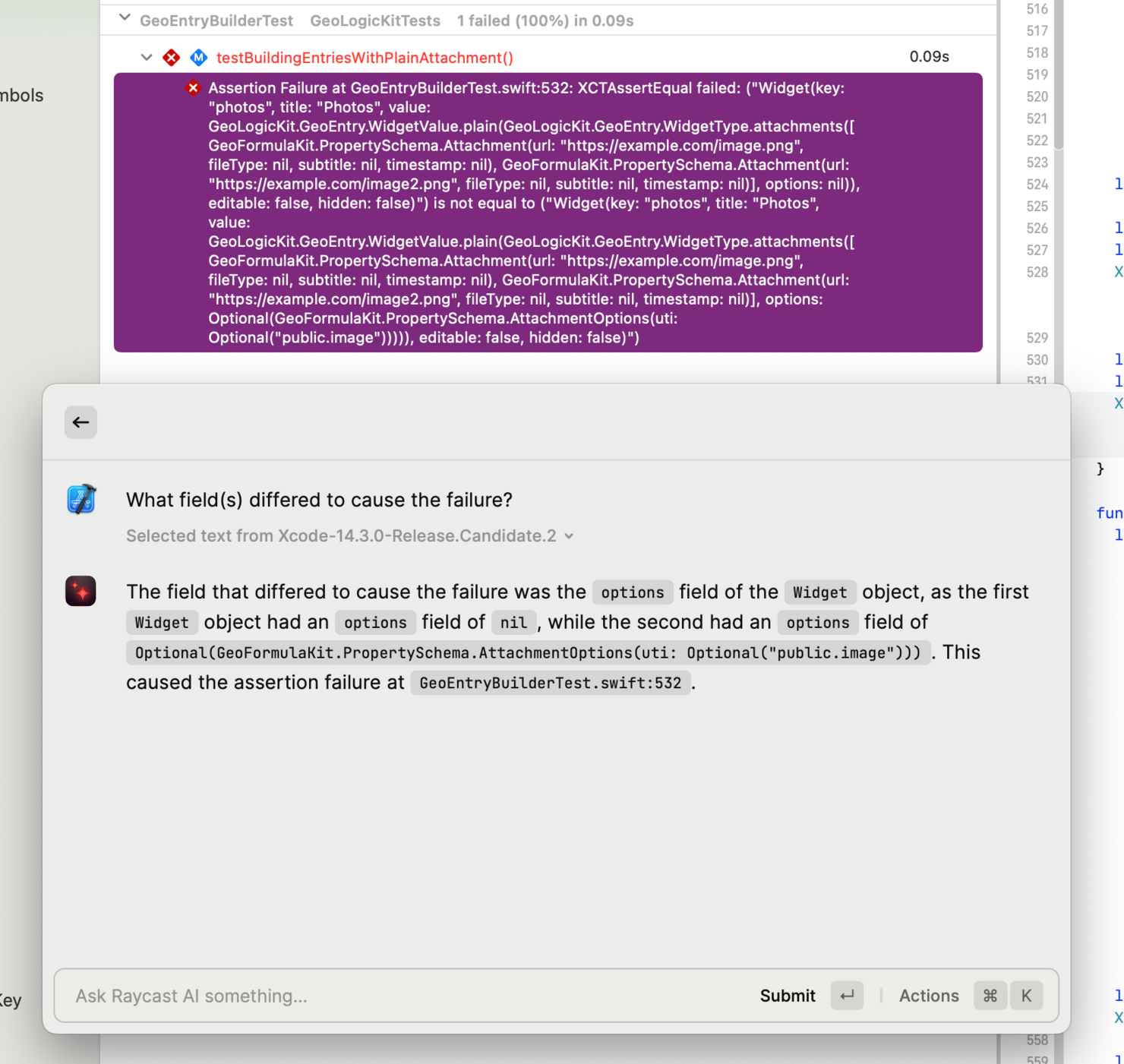
-
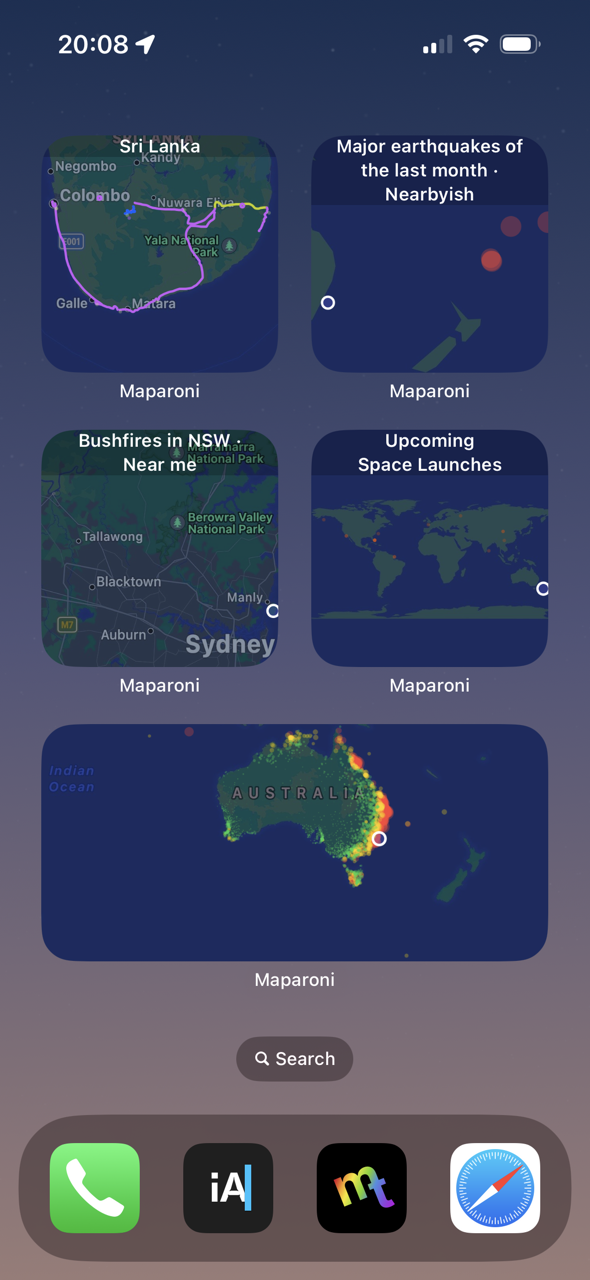
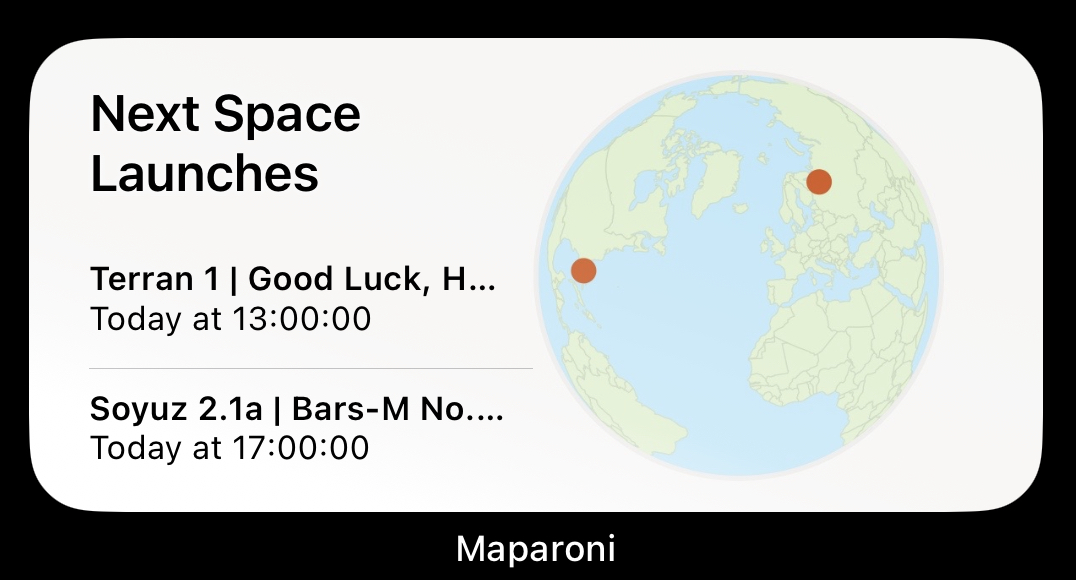
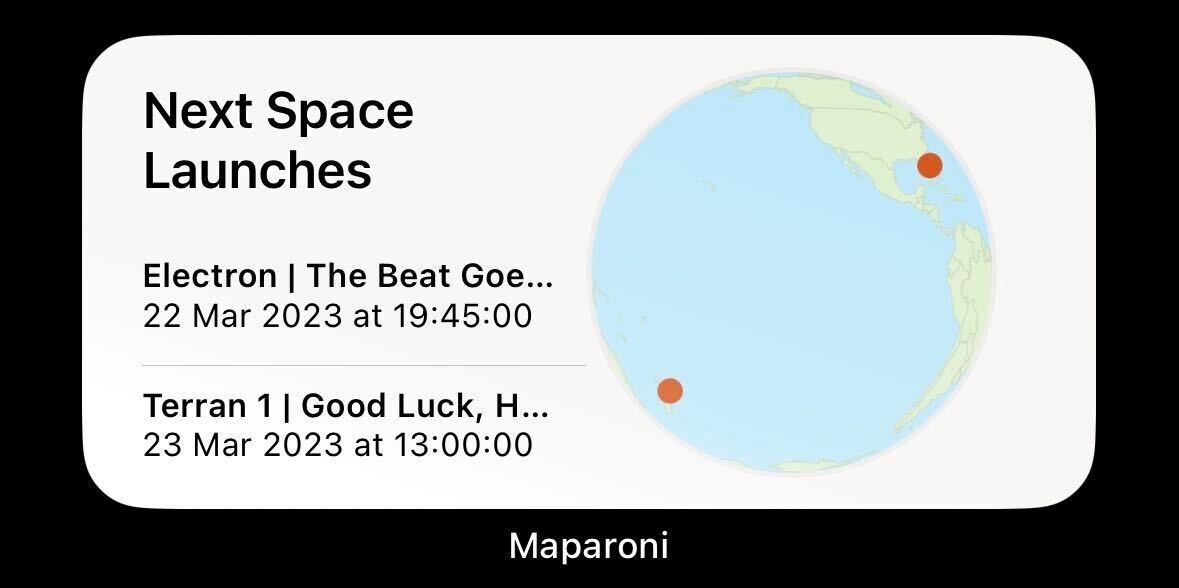
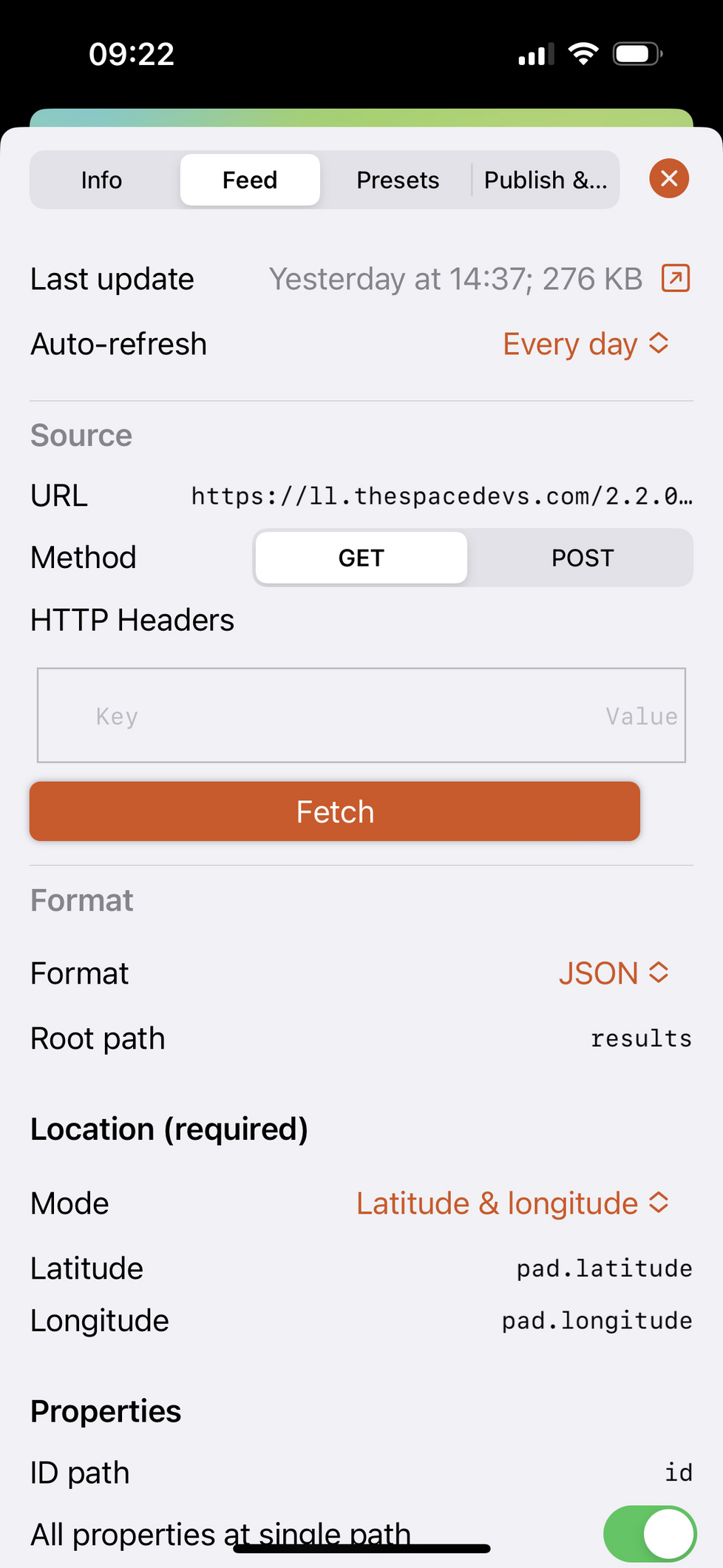
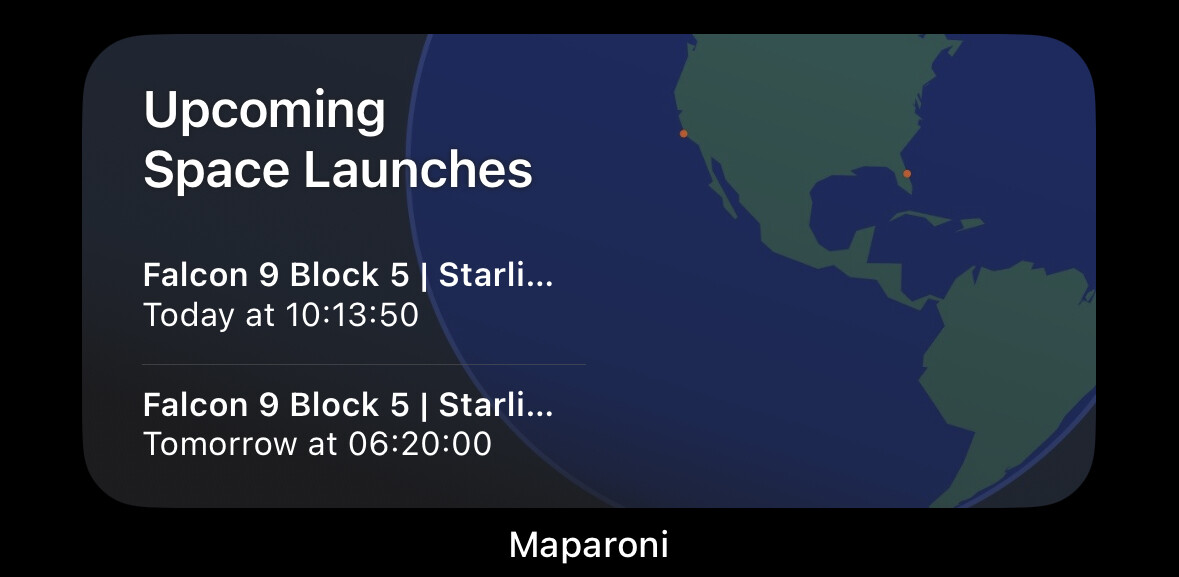
Really cool how widgets demonstrate the flexibility of @maparoni in such a pretty way:
- You can point it at arbitrary APIs by describing how to extract location information from JSON/XML APIs.
- Use formulas to filter/sort/style the locations.
- The widget then draws the map using an appropriate projection.(Years of working on this in my spare time… 🤪)
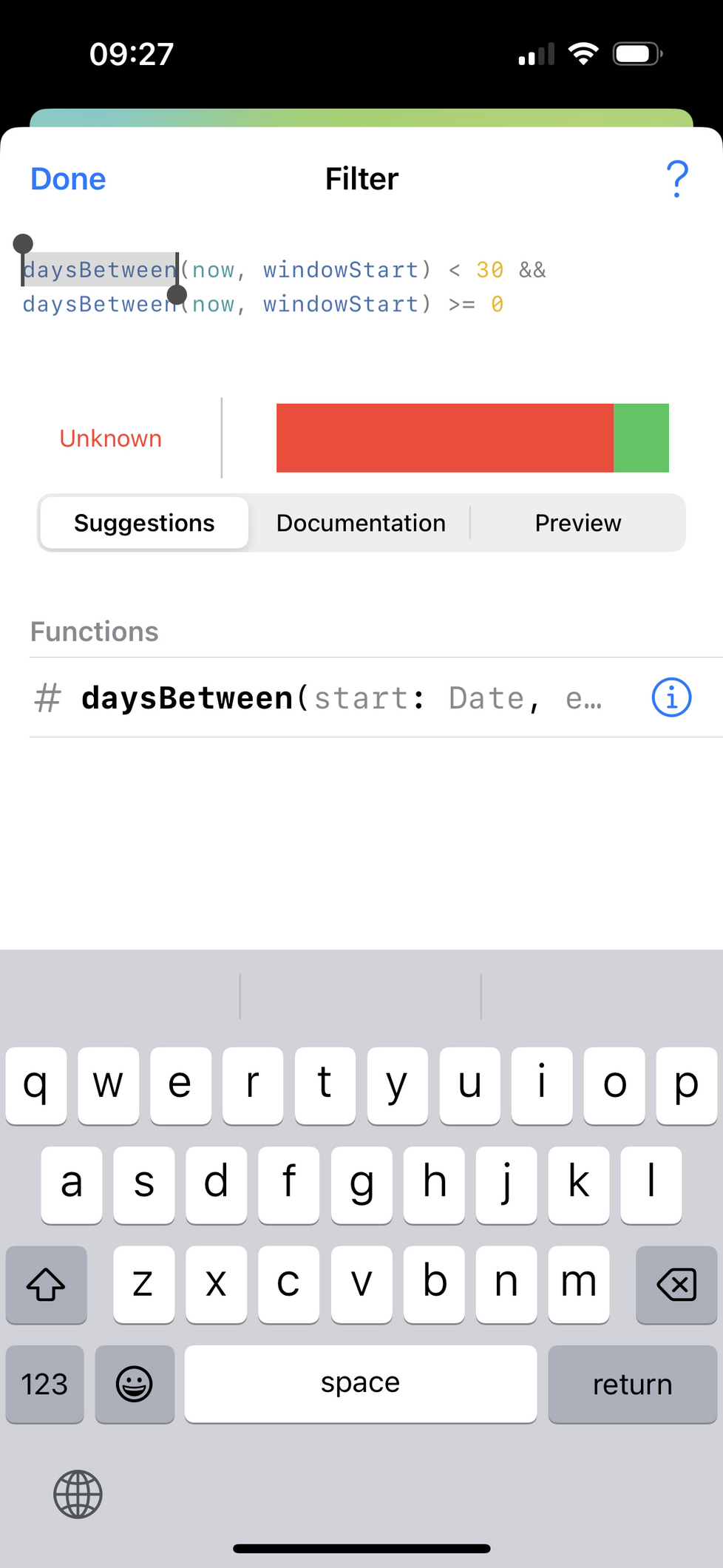
Many, many thanks to @nicklockwood for his brilliant and super fast Expression library: https://github.com/nicklockwood/Expression
Many, many thanks also to @simonbs for his excellent Runestone library: https://github.com/simonbs/Runestone
If anyone's curious about the map projections, I've open sourced the component for drawing them in #Swift: https://github.com/maparoni/GeoProjector
-
Oh boy, #iOSDev can be so frustrating, in particular when trying to debug widgets. My widget displays a pretty version of a document stored in iCloud or the app's sandbox. Works beautifully... until you restart your phone. I was using the built-in URL option in the intent config and naively assumed this would work with file URLs. But I need to recreate fresh new URL "instances" in my widget, even if printing them looks the same as what comes from the intent config. Took me a few hours...
Finally I can go back to fixing those bugs where I can blame myself.
-
My goodness, the new performance monitoring in @getsentry looks sweet. Let's see if this helps me track down some performance issues reported by beta testers of Longplay.
-
Lost of a bunch of time trying to figure out why I couldn't submit an iOS build for external TestFlight review. Just wouldn't appear in the relevant group. Turns out it has a "Build Type" of "Internal Only". I've never seen that before. Is that an Xcode Cloud thing? #iosdev

-
Hit a really weird bug with the light-weight multi-selection on iPad:
Long tap one item with finger A to start dragging: fine. Tap another with finger B: fine, gets added to my stack of dragged items. Tap a third with finger B: 💥 Triggers primary action while the other two remain in dragging state. What the... Huh? Why?
Works fine in another app though. And in the app where it doesn't work, it works fine when using my Magic Keyboard and holding command and tapping all the items.
Now to comment out random blocks of code to figure out what's interfering here...
Got it! There was another gesture recogniser and its
shouldRequireFailureOfdelegate method was only getting called on the first two taps, but not the last one. Seems like a UIKit bug, but I'll work around it. -
It’s so rewarding when working on something for a long time and the different pieces snap together:
Maparoni now supports Home Screen widgets on iOS and macOS. The data can come from web APIs, be transformed, filtered and visualised using formulas, can use your current location, and then be plotted as mini maps that are updated dynamically.
So cool. WIP on https://maparoni.app/download.html. Feedback and boosts appreciated.