
Microblog – page 6
I’ve had a Paperlike screen protector on my iPad Pro since late 2019. It got quite scratched and worn over the years, but it never bothered me as it all happened very slowly. I just removed it and, oh boy, is that screen pretty and sharp! It’s like a free screen upgrade.
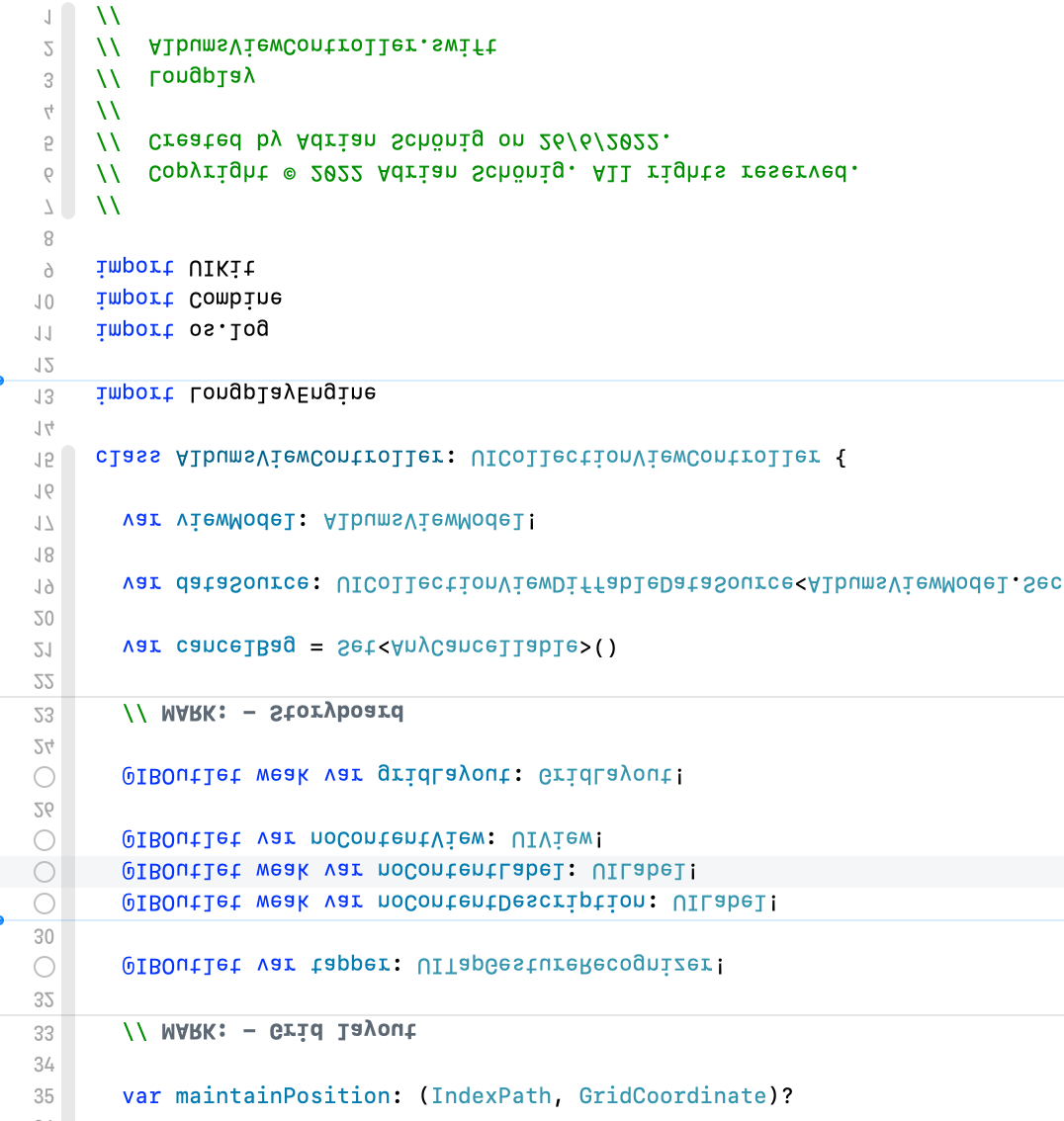
I think my #xcode finally realised that I’m down under.
I forgot how much fun a launch day is. Even though the day is coming to an end here in Australia, it’ll keep going for a while longer. 🥳

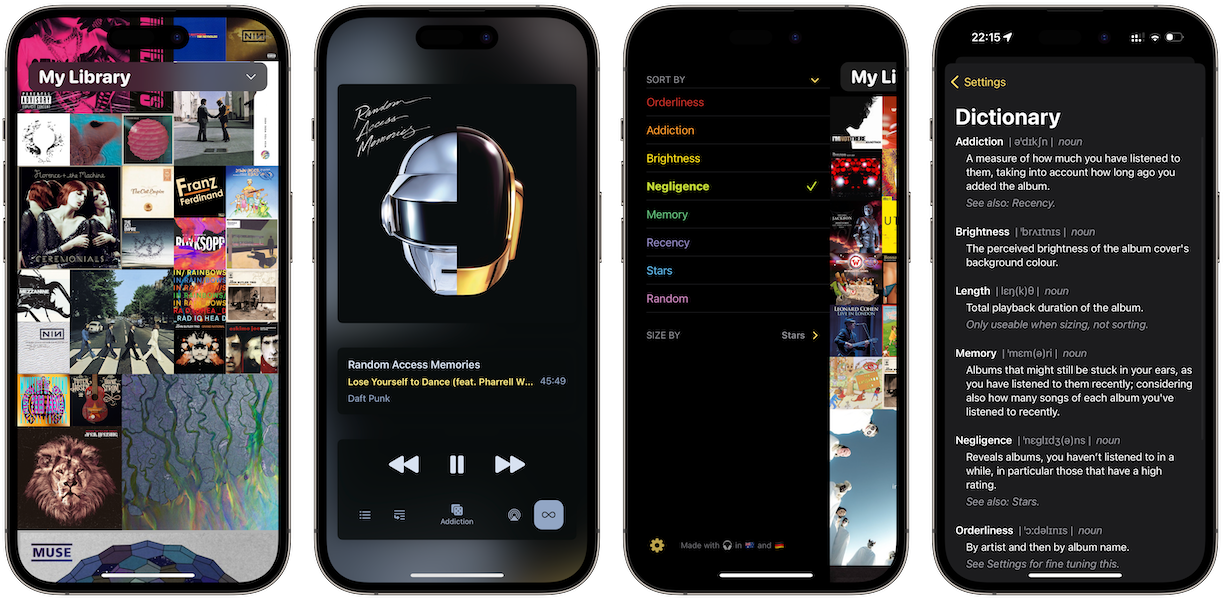
🥳 Happy Thursday! I’m excited to release the big 2.0 update to my album player @longplay today.
Where 1.0 focussed on discovery and the album wall, 2.0 focusses on the listening experience and organising your albums.
There’s a now playing screen, album shuffle, CarPlay and more. Free update for existing users.
Read about the story behind the update and what’s next:
https://adrian.schoenig.me/blog/2023/08/31/longplay-2.0/
I wouldn’t have gotten to this by myself. So it’s time for kudos!
Thanks to all the beta testers for their feedback. The many kind words let me push through phases of low motivation. In particular special thanks to @nier for his invaluable and detailed feedback, and helping fine tune the behaviour of that fun shuffle button.
Also thanks to @ivanski for his detailed feedback on the initial release, which inspired quite a few under-the-hood improvements in 2.0.
Many many thanks to @stroughtonsmith, @jsnell, @marcoarment, and everyone else who helped spread the word on the initial release, which really helped a lot. Marco, sorry to keep you waiting so long for a Now Playing screen.
Thanks also to fellow music app developer @adamlinder for the kind exchanges and his App Store review-related suggestions. If Longplay isn’t quite for you, @albumstheapp probably is!
Looking forward to the days when developers and designers can share their lessons and learnings from their time with Apple Vision Pro.
Finally getting around to working on an interactive widget for Longplay for iOS 17 and I’m amazed by how well it works. I can basically build the classic V1.0 of the app in a tiny widget. This is adorable! (Sorry for the lack of sound in the video.)
It’s a few year’s old by now, but @aleen’s App Launch Map is still a fantastic resource and reference guide for when it’s time to launch an app or update: https://applaunchmap.com/
In case you aren’t on #Threads and are curious how that’s going (hello Europe): You aren’t missing that much. It’s been utterly broken for me for weeks.
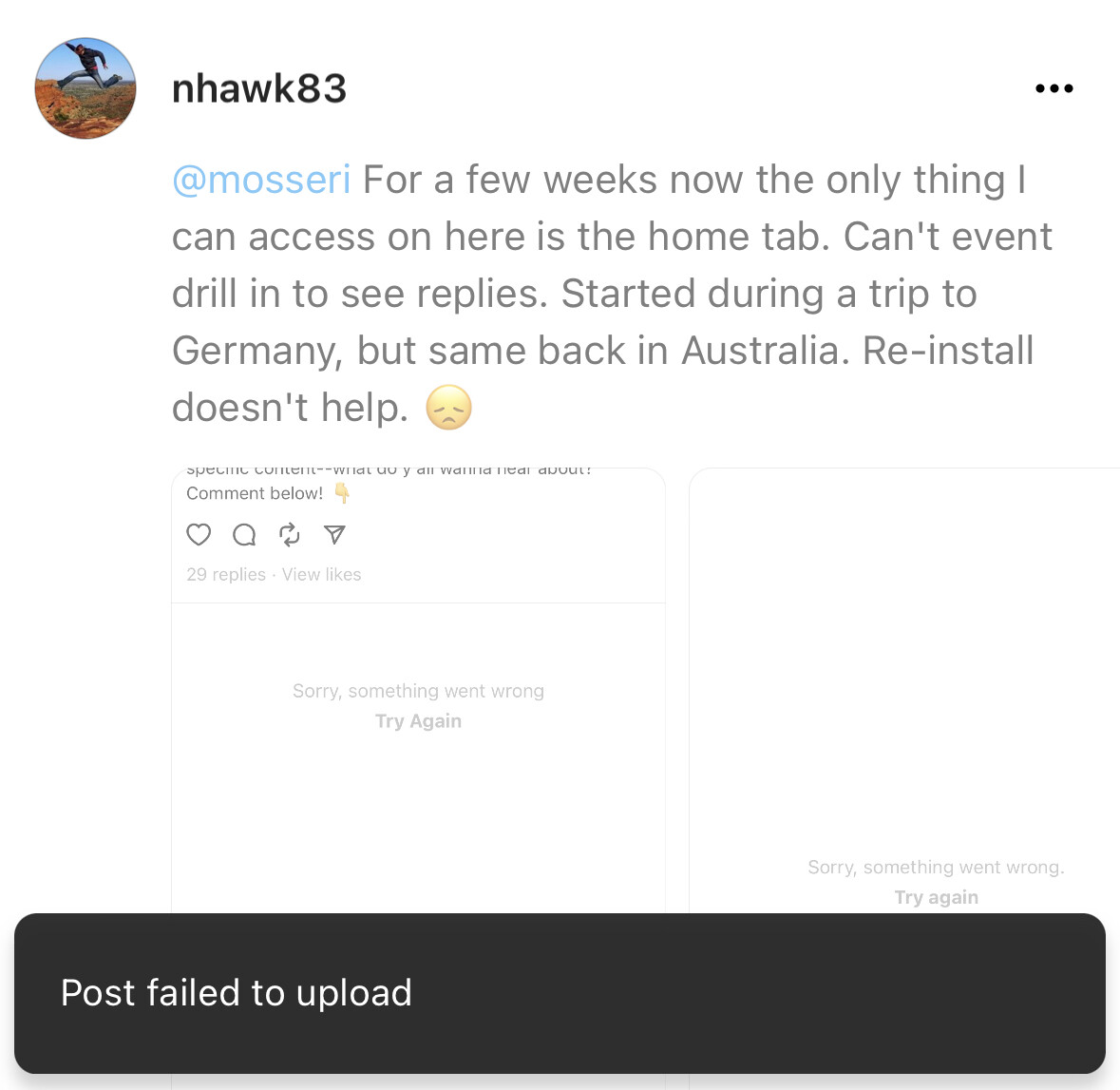

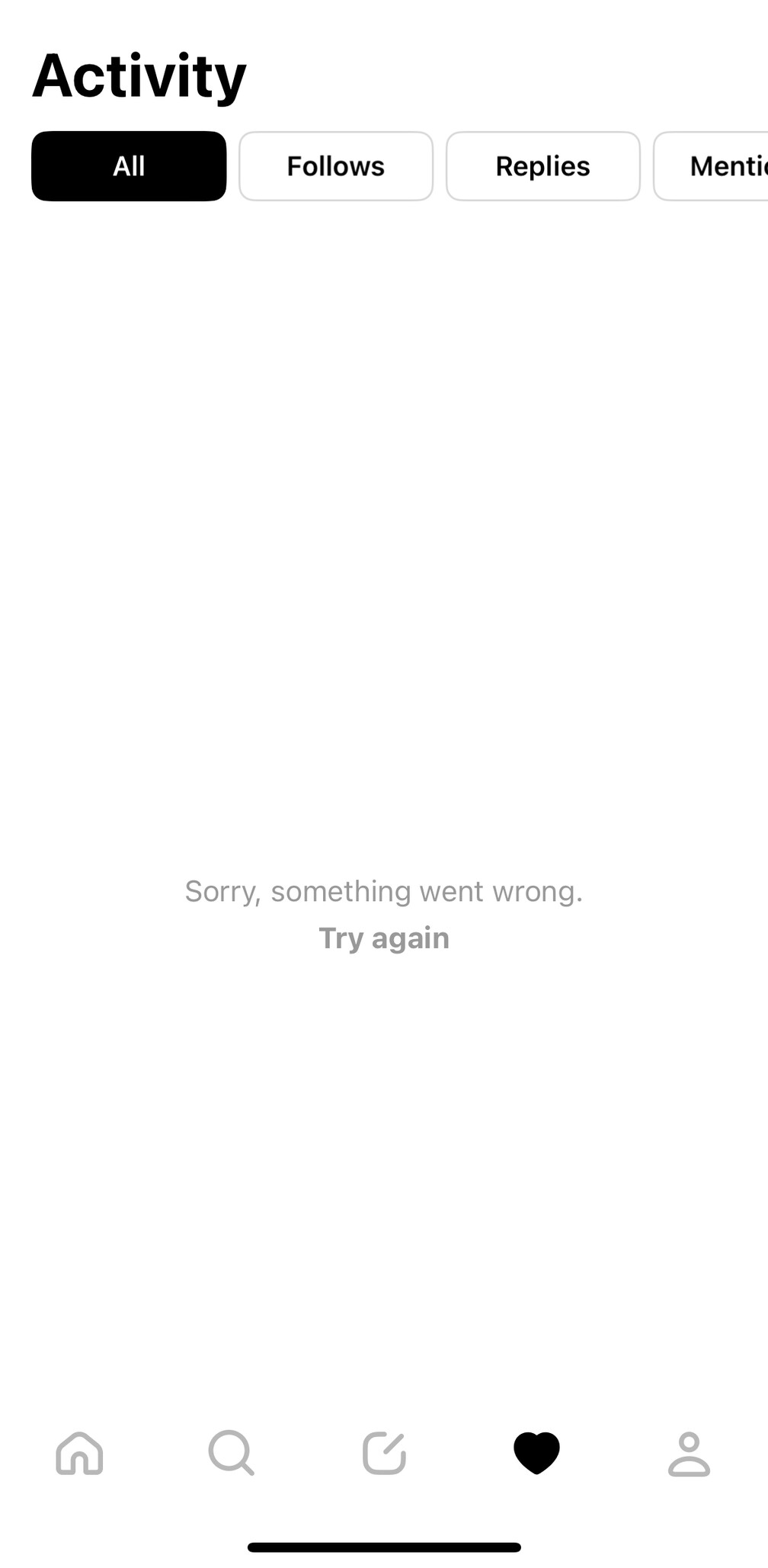

Home feed works but that’s about it. Very minimalistic experience.
PSA for travelling #Threads users: If you use Threads and travel to the EU, *do not log in there*. Otherwise you might lose access to your account after returning home. I’m back in Australia where Threads is available, yet I cannot use it anymore.
I don’t really care myself as I’m not active there, but this could be a big pain for those who are. Time for that #fediverse support!
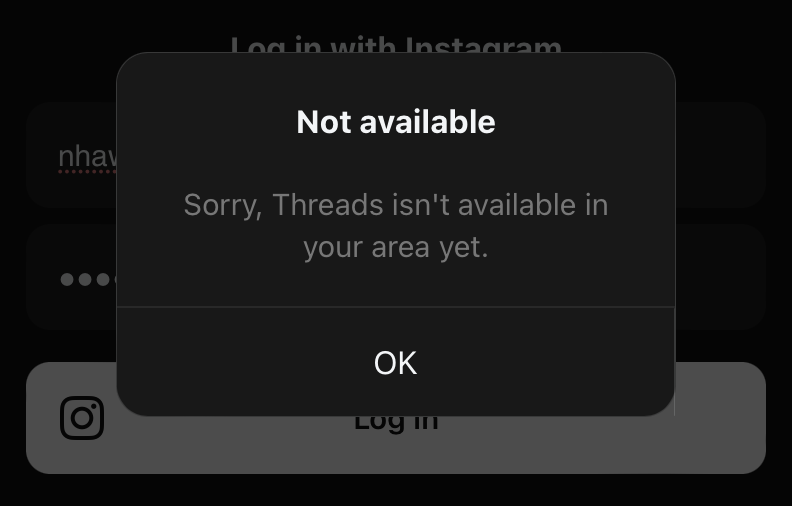
Pro tip: If you are travelling long distance and have a long stop over on your return flight so that you can leave the airport and go explore, double check the city of that stop over before you start planning what to do there — it might not be the same as on your outgoing flight 🤦♂️
In unrelated news, I’m looking forward to an unexpected day in Ho Chi Minh City.
Amazing performance by the Matildas. What a nail biter! 💛💚
The Ashoka trailer looks promising. Fingers crossed it falls on or beyond the Andor end of the Fett-to-Andor scale.
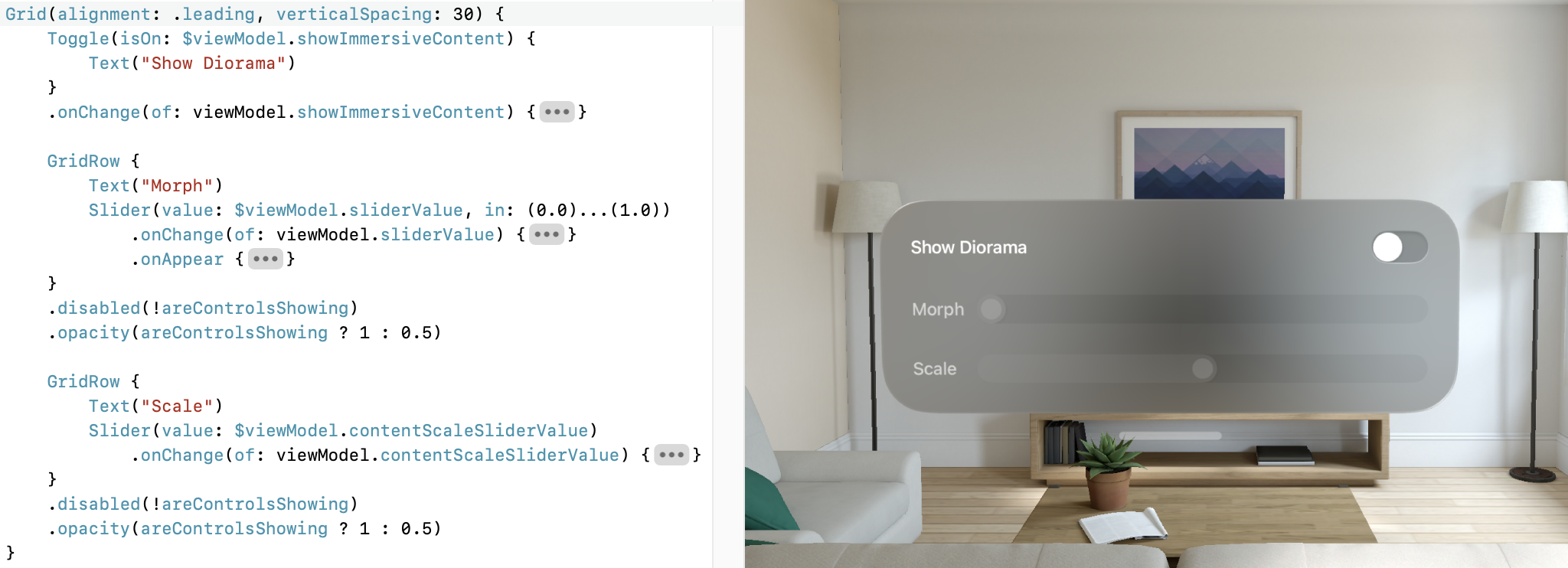
Just came across Grid and GridRow in #SwiftUI to align multiple items nicely. Totally missed this before. Great for control panels! (Requires iOS 16.)
Playing Monopoly with the kids:
5yo: I wanna buy Anzac Pde from you. I give you $5M.
8yo: No!
5yo is very sad.
8yo: That’s way too much. I don’t wanna have that much money.
5yo: I give you $2M.
8yo: Deal.
Maybe more businesses should be run by kids.
I was hesitant to make Arc my default browser due to the lack of an iOS counterpart, but just discovered that Safari’s hand off from iOS will open in the default browser on macOS. Sweet!
Batteries of my first gen AirPro Pros are on their last leg. Hope they survive a few more weeks till I’m back in Australia. They are almost a whopping 100 bucks more in Germany.
Just got my new AirPod Pros. They are replacing my three-year old originals. The new ones sounds *so* much better. I wonder if the speakers on the old ones slowly deteriorated over the years… Difference is night and day. Wowzer.
My Mac’s free space indicator just messed with my heart rate. I couldn’t install the Xcode beta due to lack of space. Daisy Disk reported that the local Time Machine snapshot used 120 GB of my 1 TB disk. So I decided to let it nuke that.
As it was busy the indicator on my desktop slowly creeped up saying 50 GB is free, then 100, then 200, then 500, with process still going. WTH! Was super worried that Daisy Disk did an rm -rf / on me.
Ultimately it finished and it went back to 260 GB free… I’m too old for this.
Talking about my work in my native German makes me switch to “explain it like I’m 5” mode as I lack all the proper lingo. Useful in a social context, awkward during business meetings.
🚂 On my way to Berlin for #WeAreDevs
Feels good to have #Futurama back. Let’s see what they do with the rest of the season.
Happen to still be in Germany while the first #VisionPro dev labs are on. 🤞
Woohoo!
I had a fantastic and invaluable day at the #VisionPro lab in Munich today. What a great community and top support from the team there! A big thank you to everyone involved!
Elon, stop messing with my filters.
📺📖 Silo season one was great. I’m now digging into the (audio)books by @hughhowey@threads.net and am enjoying going back to the beginning of the story, picking up the things that went over my head initially, and discovering the differences between the book and the show.
My initial excitement of using an ESIM on my iPad for mobile data while travelling faded quickly. Boy, is that whole flow broken and a UX nightmare. Stay away from Redteago.
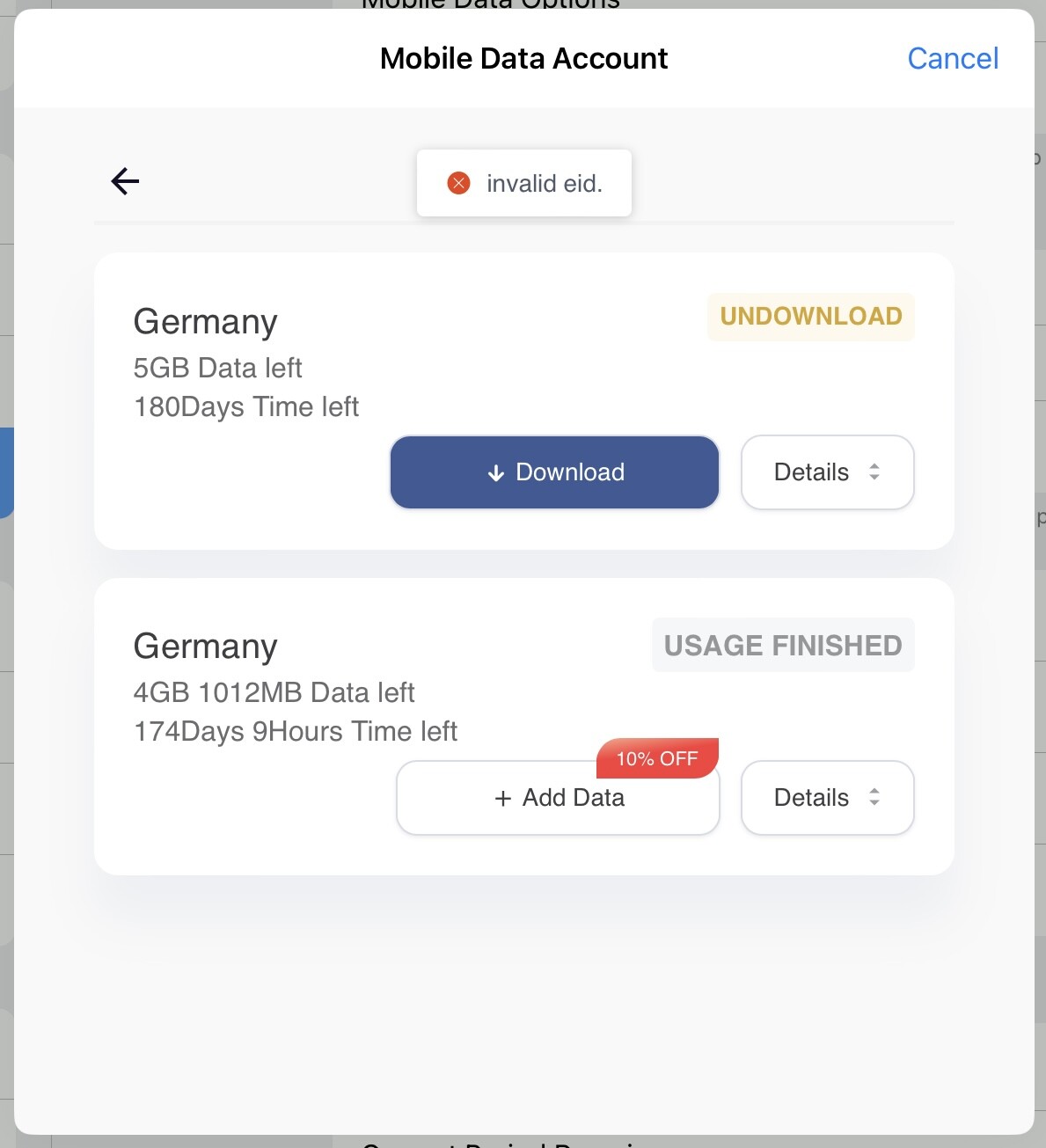
Tried Airalo instead thanks to recommendation by @staticnz. Works very well. eSIM is so much nicer for travelling than getting a local pre-paid SIM card, as I can still use my regular number for 2FA or being reached by phone.

Nice how you can use your own domain as a username. Mastodon needs that.
Beautiful winter afternoon

Most of my non-tech social circle are on Instagram. That makes me excited that Threads will support the Fediverse. Hopefully it won’t turn into a huge mess.
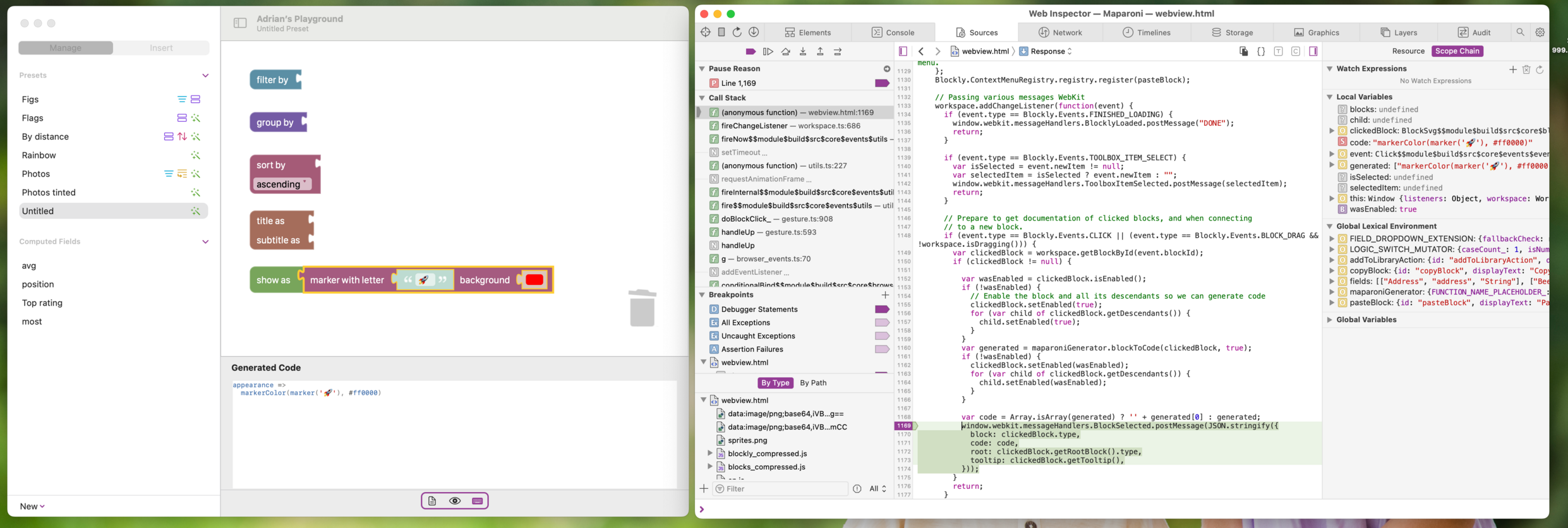
It absolutely blows my mind that I can use Safari to live debug the JavaScript code running inside a WKWebView in my app – including breakpoints and whatnot. 🤯
So so soooo many kudos to the folks who worked on this!
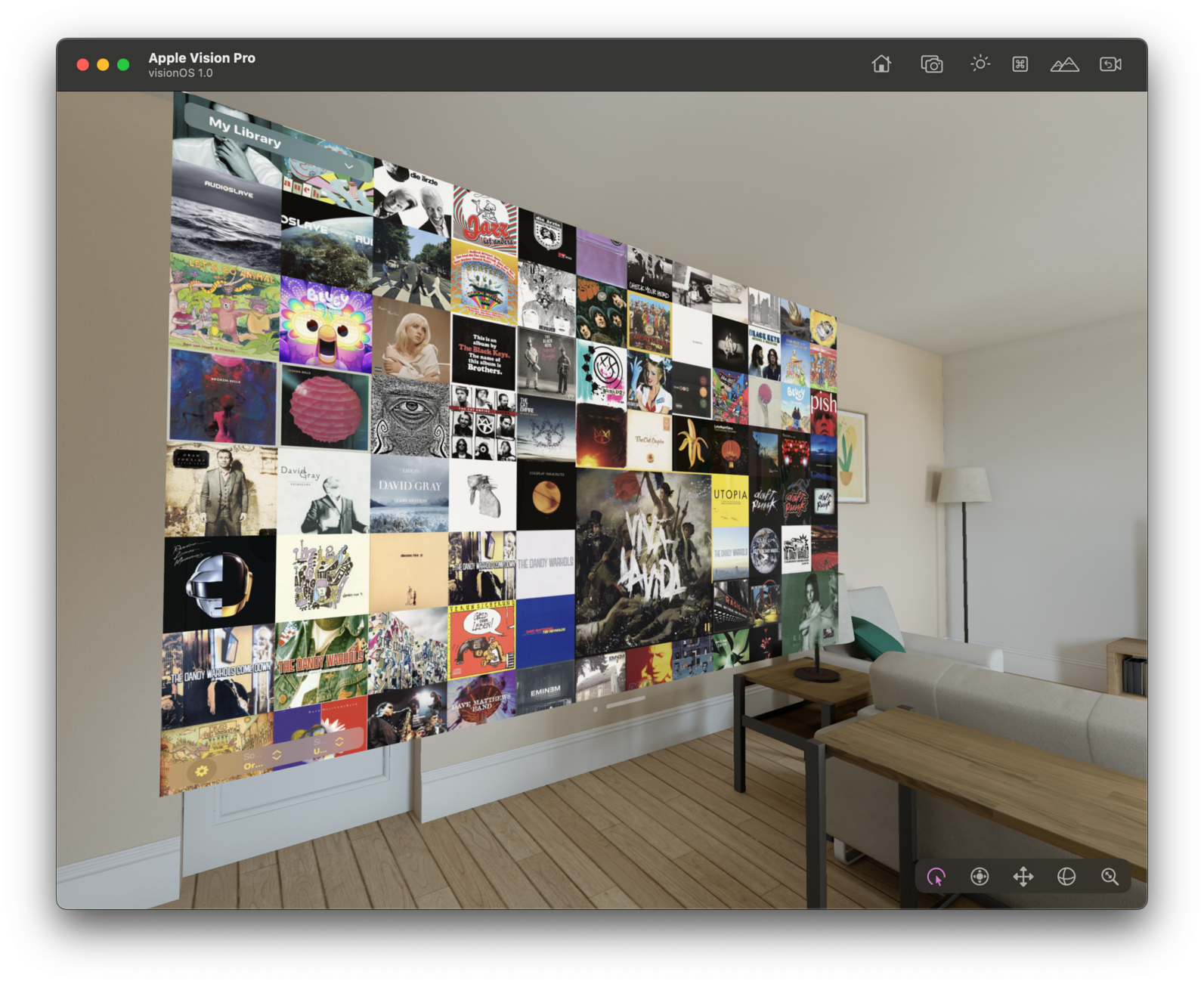
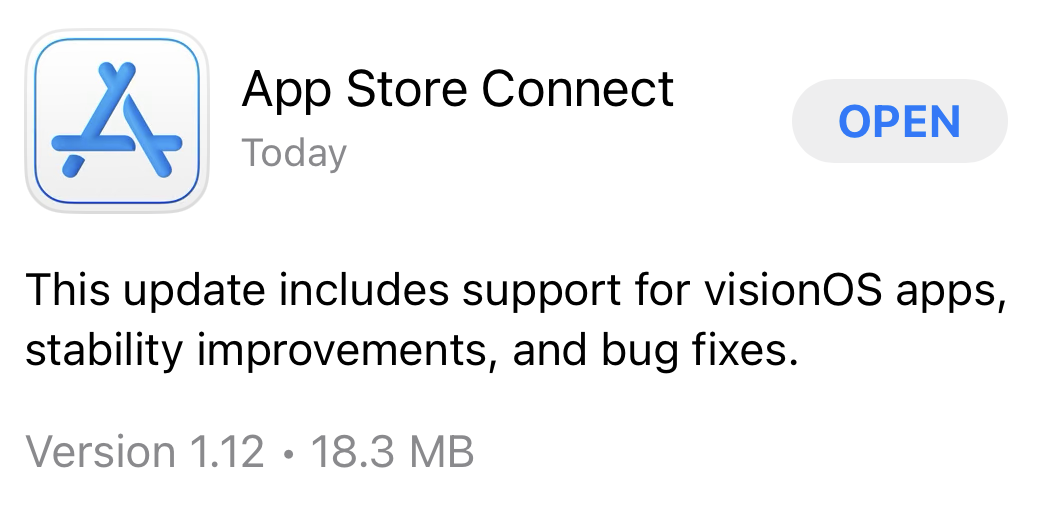
I wonder how these release notes made it past app review…
I really wish Apple gets into the LLM craze and adds an Xcode Copilot that doesn’t nothing but tells me how to use the various features in Xcode and Instruments, and helps fix them when they break.
Like: I’m profiling my app and all debug symbols are missing even though I ticked the same boxes I usually do.
(╯°□°)╯︵ ┻━┻
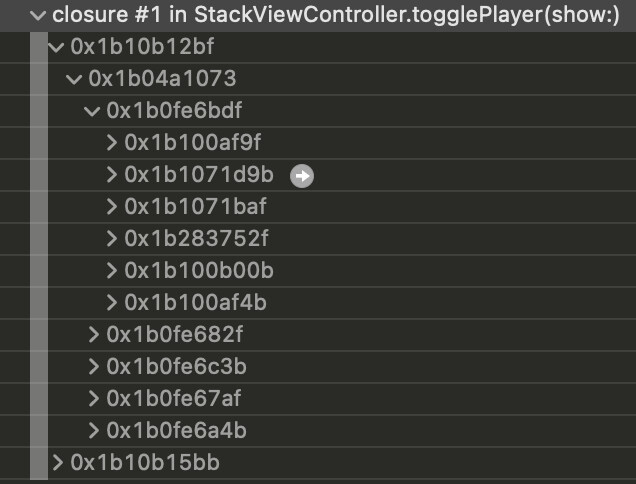
Somehow the local cache of the device debug symbols got messed up on my Mac. Nuked them with DevCleaner, reconnected the iPad to my Mac to refresh them, and then it started working. Hooray.
📖Just finished Recursion by Blake Crouch. What a brilliant take on time travel. Took a little while for me to get into it but then it really hits the strides. Recommended.
How cool would it be if #visionOS came with 3D extensions for Swift Charts.
The background refresh task in Longplay usually works fine, but occasionally crashes for some. I have it reproduced on a testing device where it crashes once a day. Crash log isn’t too helpful. This is gonna be a slooow debug cycle…
Insightful podcast by @asymco & Oliver Bruce on Vision Pro from a (micro)mobility perspective: https://micromobility.io/news/spatial-computing-and-what-it-means-for-micromobility-with-horace-dediu
Fascinating to think what a “Apple BikePlay” would look like in a mobile version of Apple Vision.
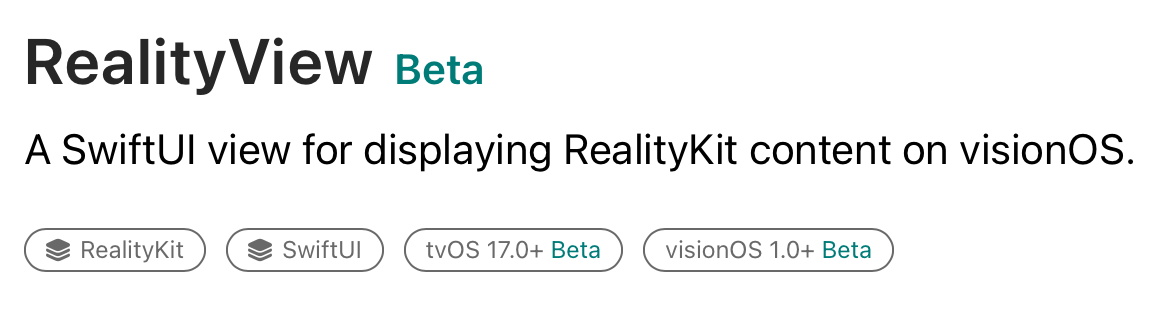
Interesting that the new #SwiftUI RealityView is available on tvOS 🤔
One of my favourite features of SPM integration in Xcode is how easy it is to replace the official checkout with a local copy. Comes in very handy today to patch up libraries that don’t yet compile for #visionOS and need a bit of #if !os(xrOS) sprinkled around everywhere.
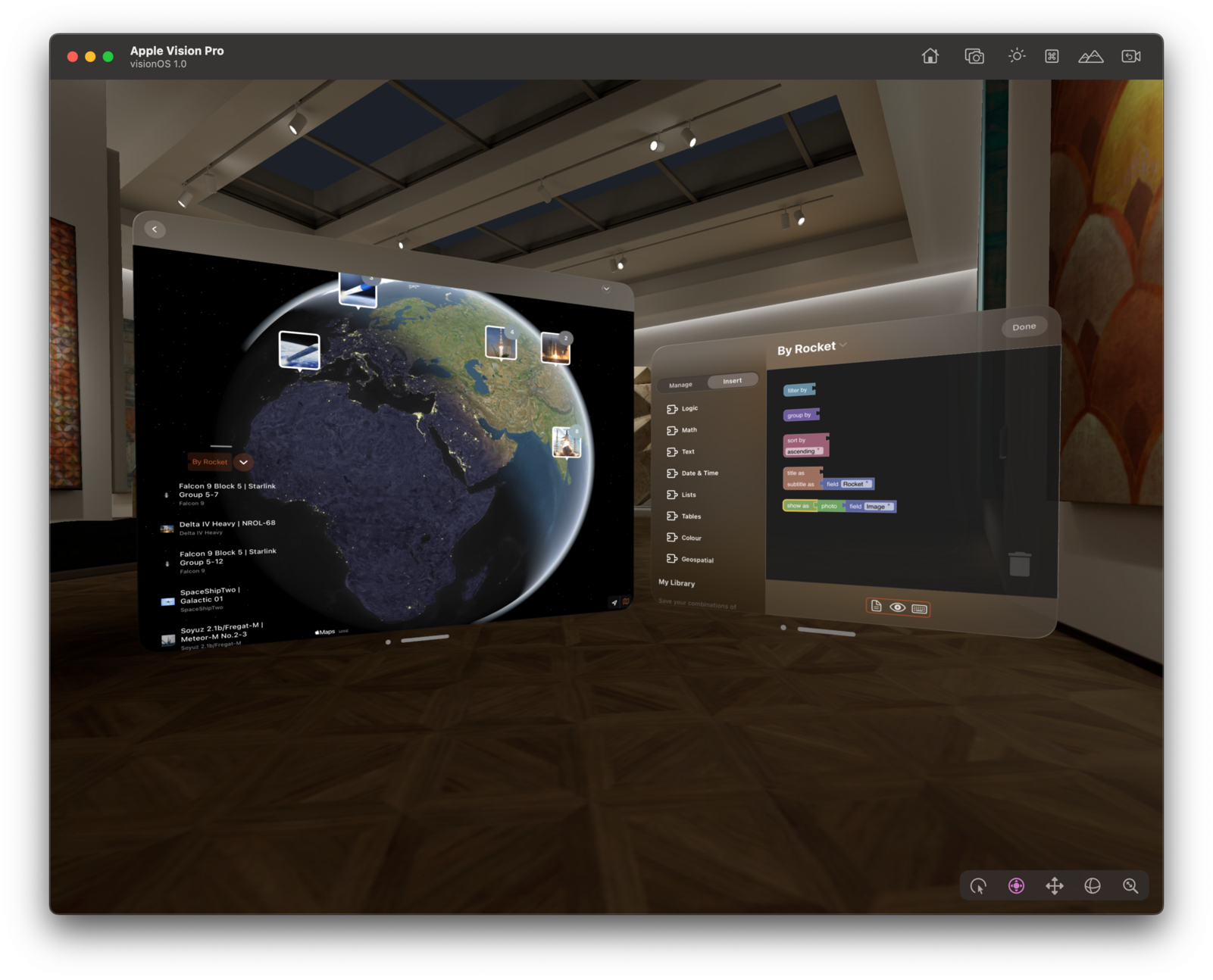
Pretty sweet to get the basics running quickly. Now onto lifting that globe out of the 2D window and into 3D…
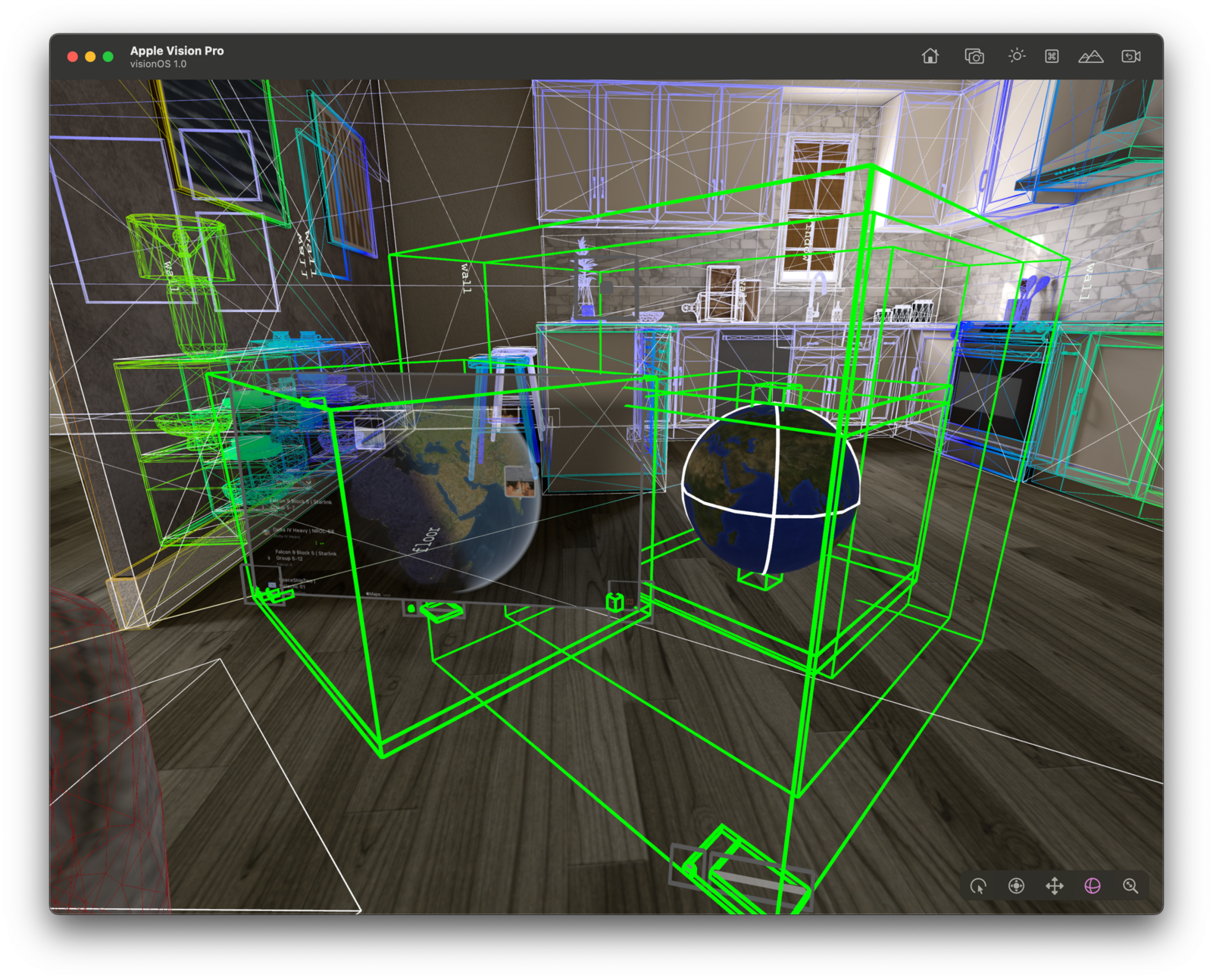
So much progress in so little time: 3D globe with live data – here earthquakes in the last month.
The new RealityView is super cool to bring SwiftUI views into 3D, but it’s an area where the documentation really can be improved. It’s hard to figure out what to do if things don’t quite work the way you expect them to. Can we have another round of #RealityKit labs, please?
Currently stuck on this: https://developer.apple.com/forums/thread/732365
A great way to start the shortest day of the year.
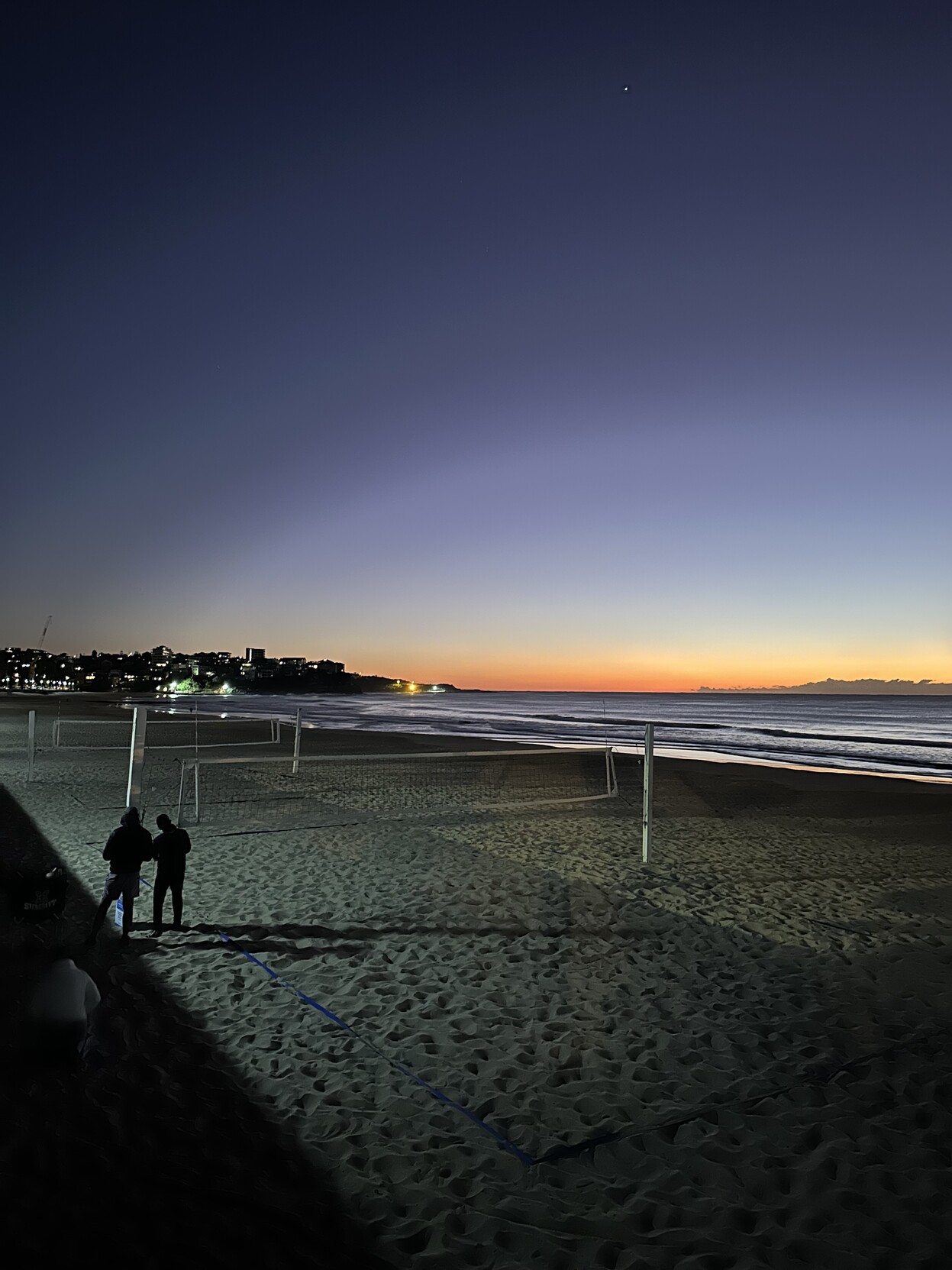
Is there still no equivalent of UIPointerInteraction in #SwiftUI in iOS 17? Bit of a shame to lose these when migrating from UIKit to SwiftUI.
(Filed as FB12361547)
I’d quite like a #lemmy and #kbin app that focuses more on the lurking/consumption side and embraces the Fediverse nature. It should let you browse and follow magazines/communities without an account, and let you participate in threads with any Fediverse accounts, notably Mastodon.
Make the most out of both the #TwitterMigration and #RedditMigration… https://atomicpoet.org/objects/61a0bff3-5c91-436f-933e-836e65189f26
TIL that xcpretty hasn’t been updated in 5 years, but there’s a great Swift-based alternatives called xcbeautify: https://github.com/tuist/xcbeautify
The design labs at #WWDC are always my favourites. I am getting so much meaningful feedback out of those 25-30 mins — plus is such a morale booster, too.
Kinda glad that the visionOS SDK and Simulator aren’t there yet. Means I can familiarise myself with the underlying RealityKit and ARKit frameworks and prepare my apps to then hit the ground running with everyone else. #WWDC23
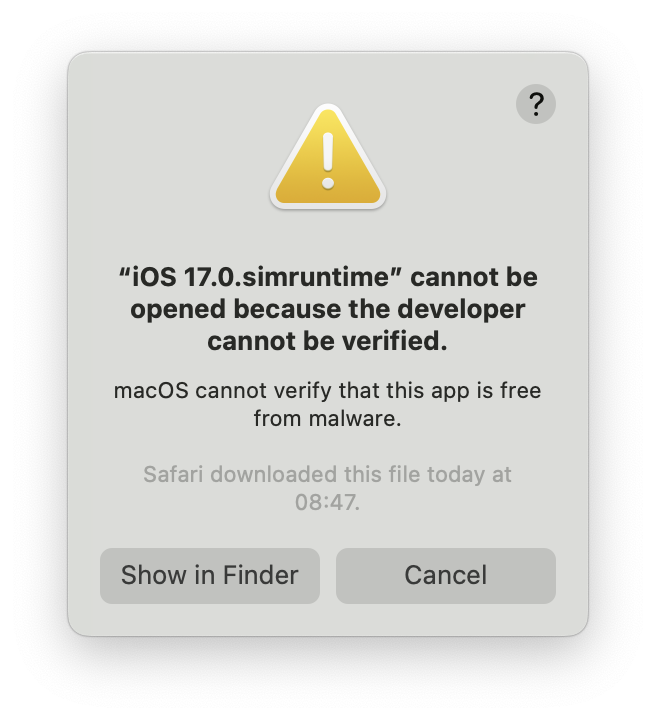
Those split up #Xcode downloads seem nice, but somehow my Mac doesn’t like them and I get a dozen of these popups when I open the Xcode 15 Beta.
Apple pitched #VisionPro very much as a home/work/flight device but with its see-through mode and portable battery it can be worn outside, so someone will do just that. Wondering what kind of use cases that will enable.
BRB. Planning a trip to Singapore in a few months time.
subscribe via JSON